

This tutorial will guide you through the process of sharing and granting admin access to manage your Google Business profile.
Begin by entering business.google.com in your URL and pressing Enter.

You will be directed to the Google Review page, which provides access to various settings.
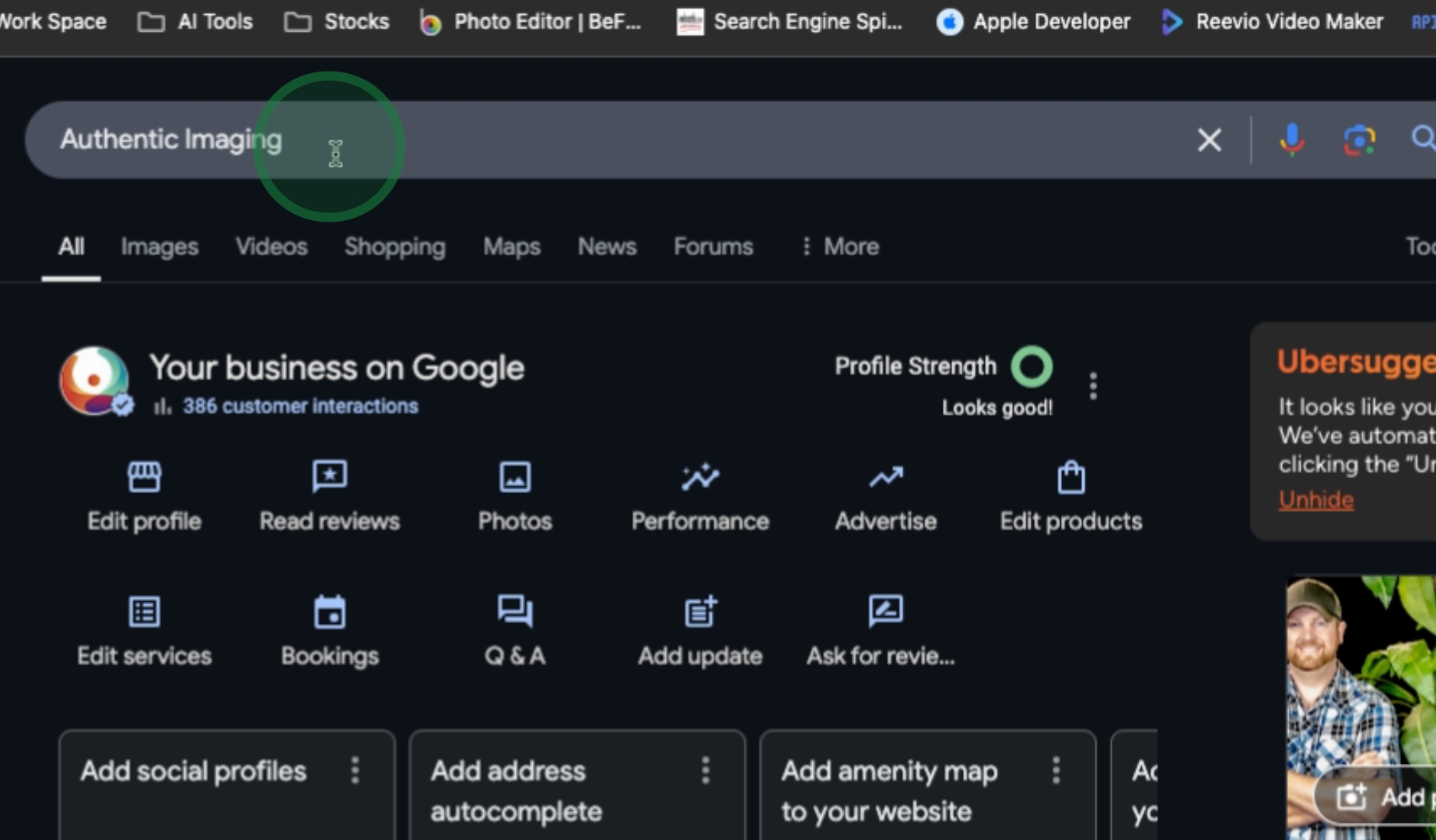
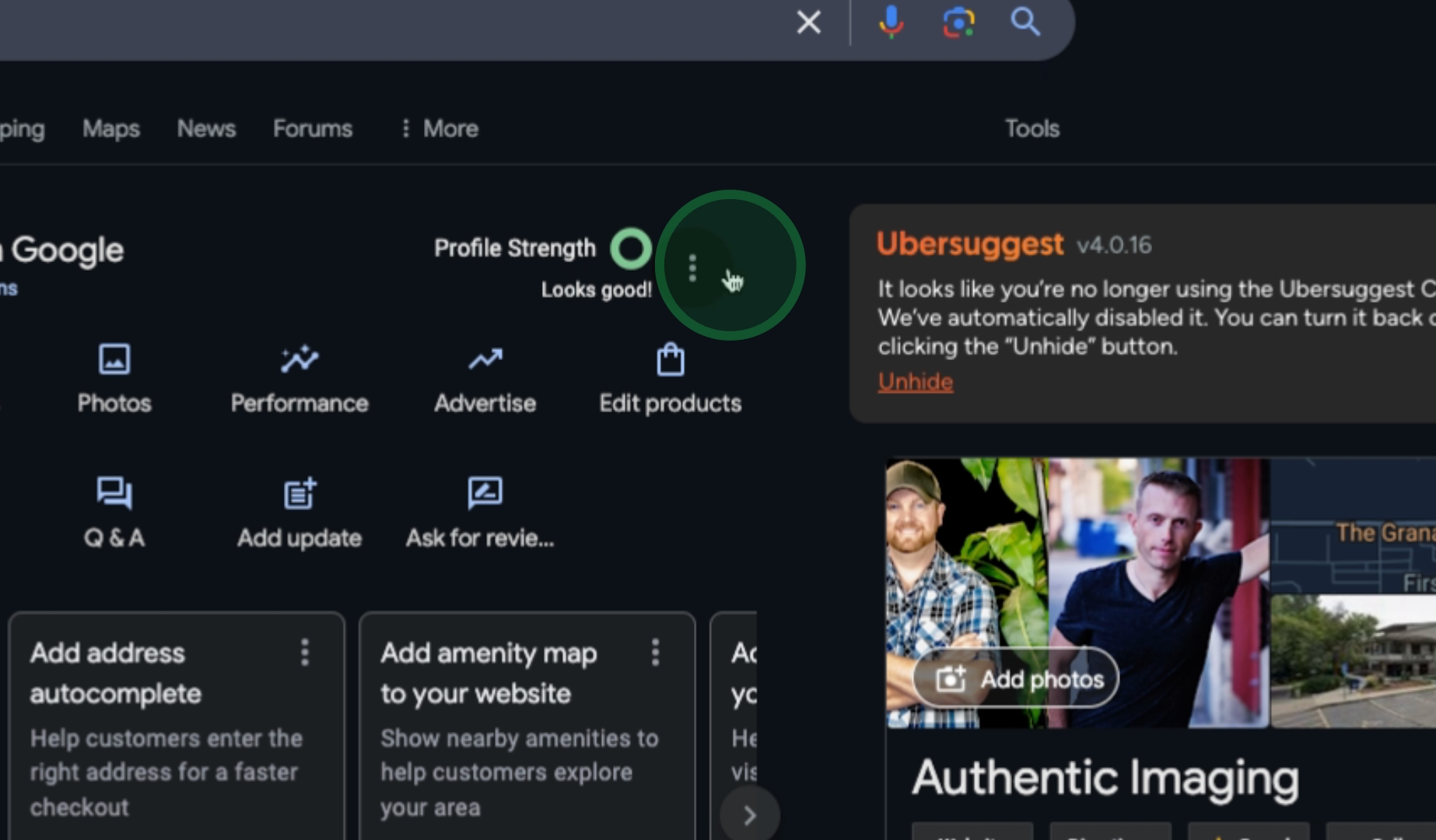
Look for the three-dotted menu located on Profile Strength and proceed by clicking on Business Profile Settings.
Next, click on People and Access and then select Add.
Enter the email supportthenticimaging.com and hit Invites.
By following these steps, you will successfully grant us access to manage your Google Business profile.
