

This tutorial will provide you with straightforward instructions on how to share your Google review link effectively.
Begin by typing business.google.com in your URL. This will redirect you to your Google business page.
Your Google business page will appear in the search display results.
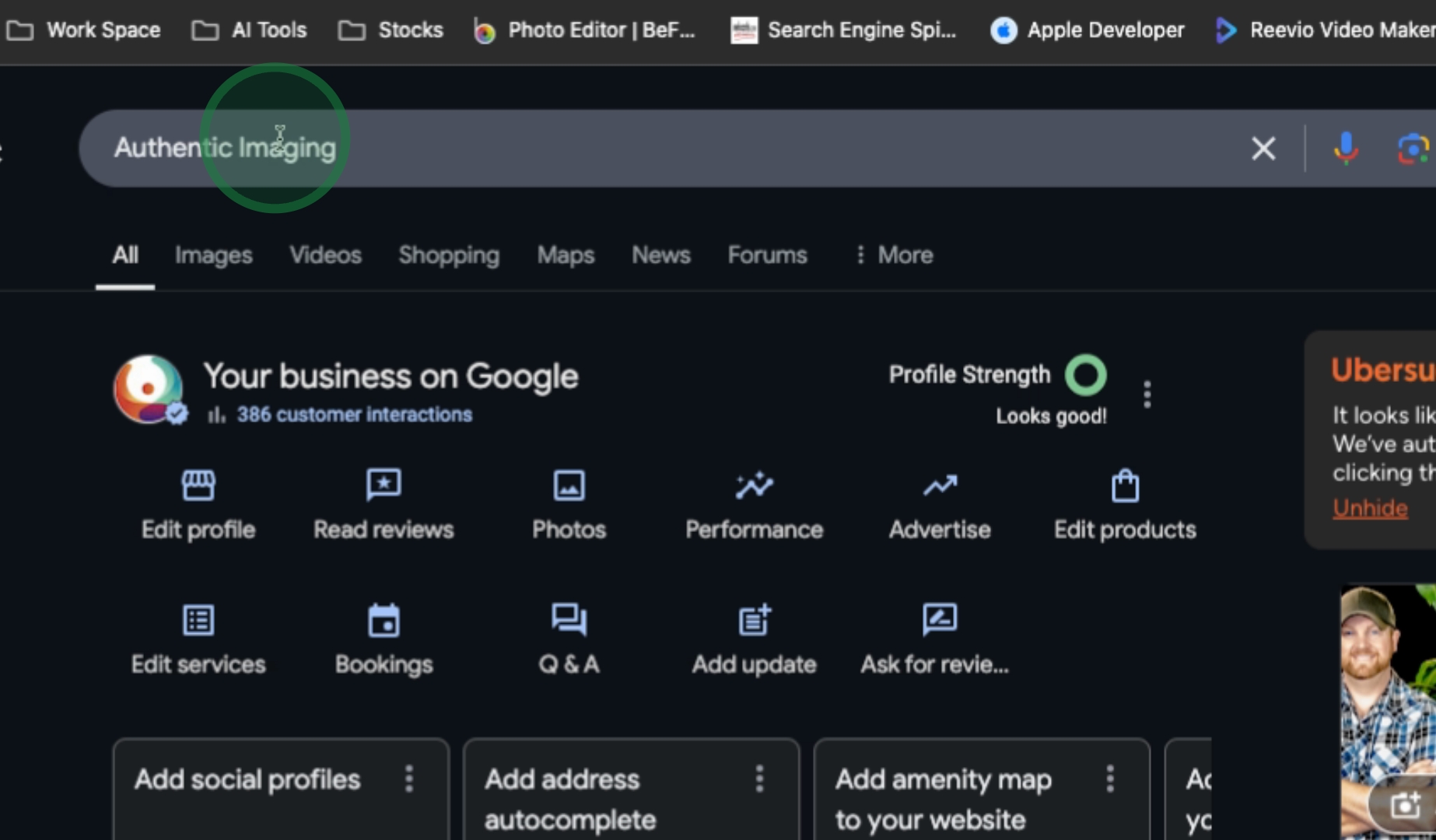
Locate the option labeled Ask for a review. If it is not visible, click on More to reveal additional options.
After accessing the additional options, you will find an opportunity to either email this link or simply copy it for sharing.
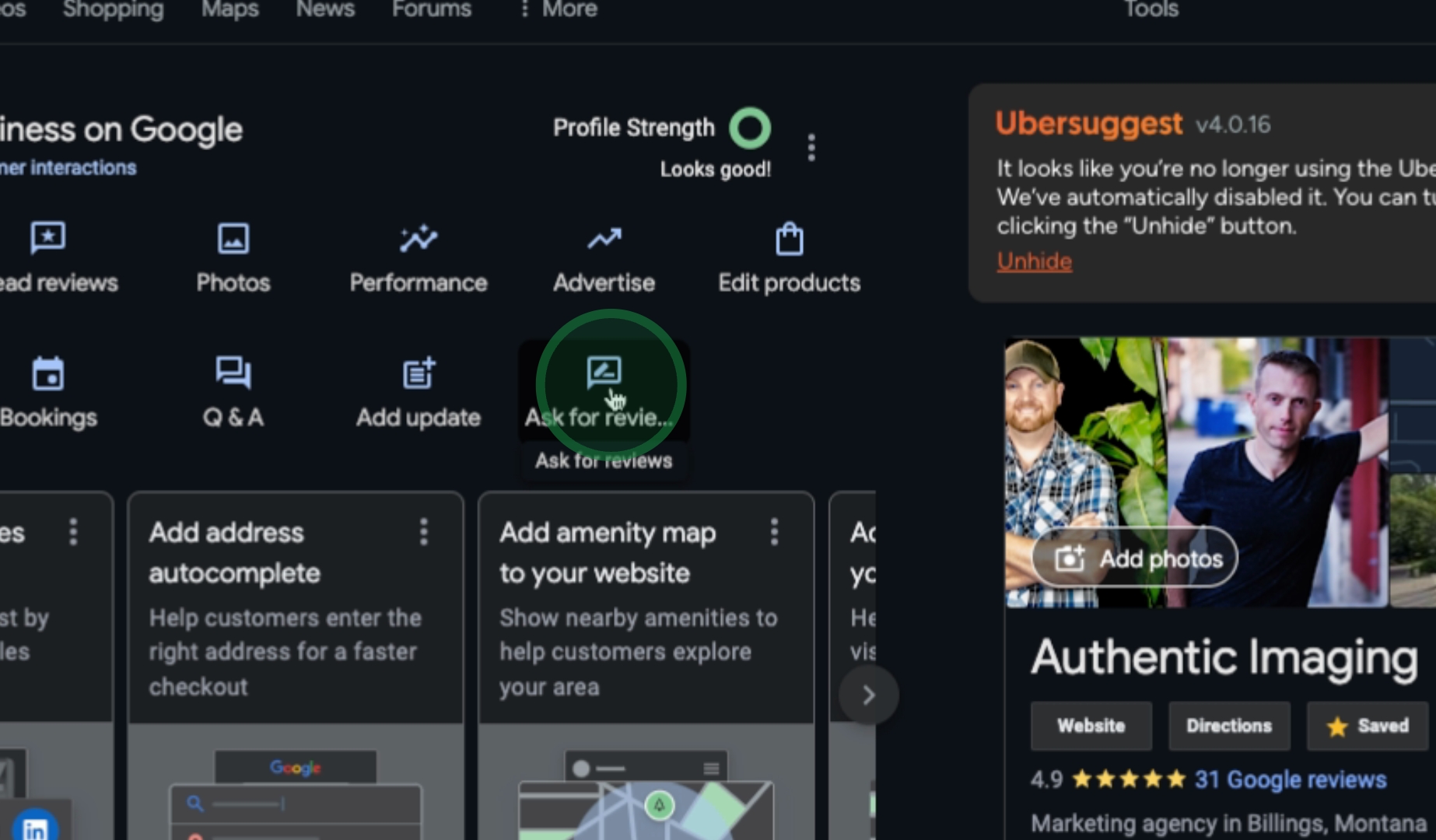
To complete the process, all you need is to copy the link for easy sharing.
By following these steps, you can efficiently share your Google review link with clients or customers.
