
This tutorial will guide you on how to access your digital wallet using QR codes and respective applications.
Begin by navigating to the section of your digital card that displays the QR code.
From there, you will have the option to easily download either Google Wallet or Apple Wallet, depending on the type of phone device you are using.
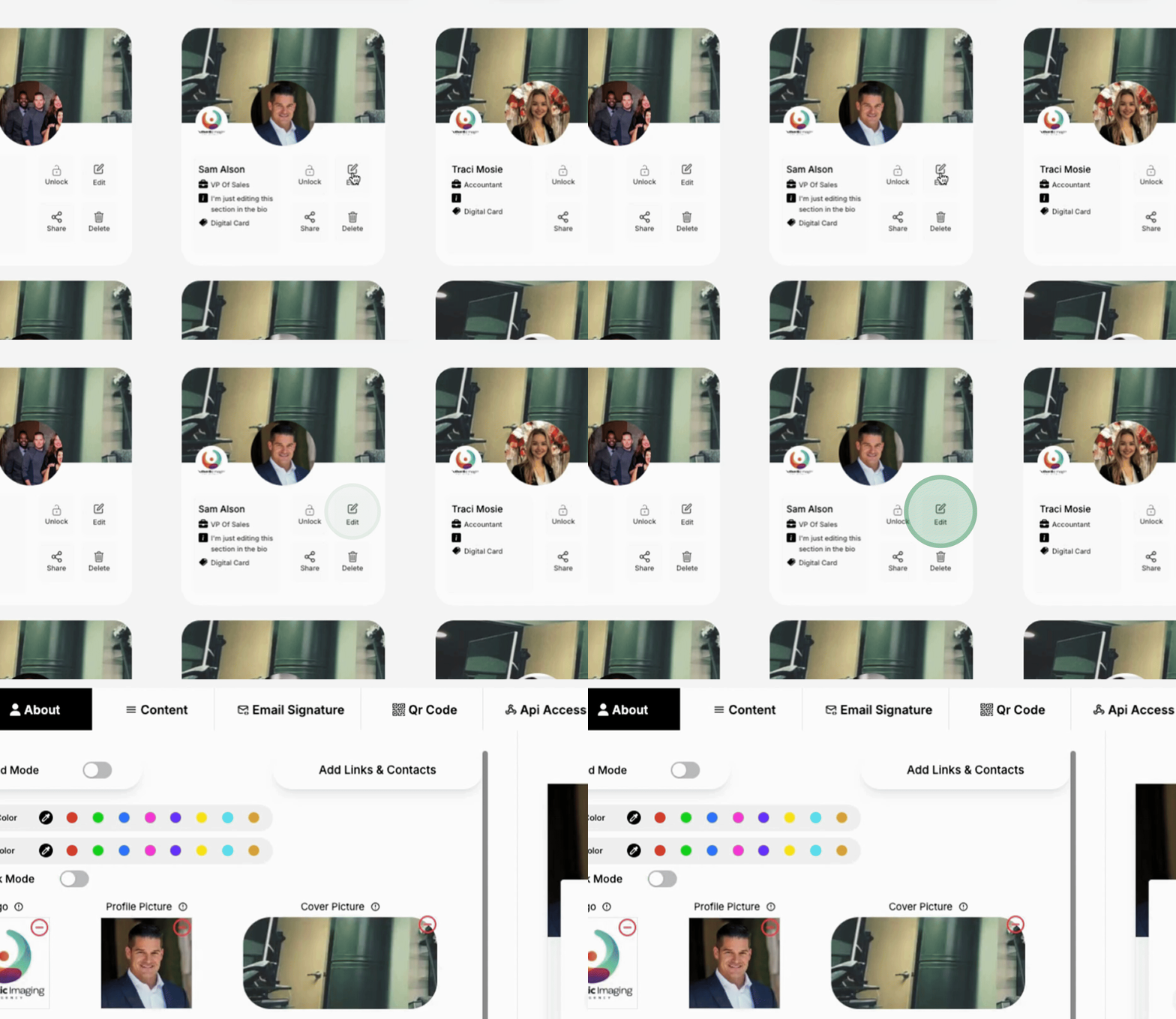
The process is fairly straightforward: once you download the application, it will automatically install on your phone.
You can then easily begin utilizing it to access your digital wallet.
Additionally, the same method applies to the QR code if you wish to print it.
This provides a quick and efficient way to access your digital wallet for seamless transactions.
