


This tutorial provides a step-by-step guide on how to access and manage your email signature.
Begin by navigating to your Edit Profile section.
Then, access the Email Signature option.

In the Email Signature section, you have the option to include your links in the specified manner.
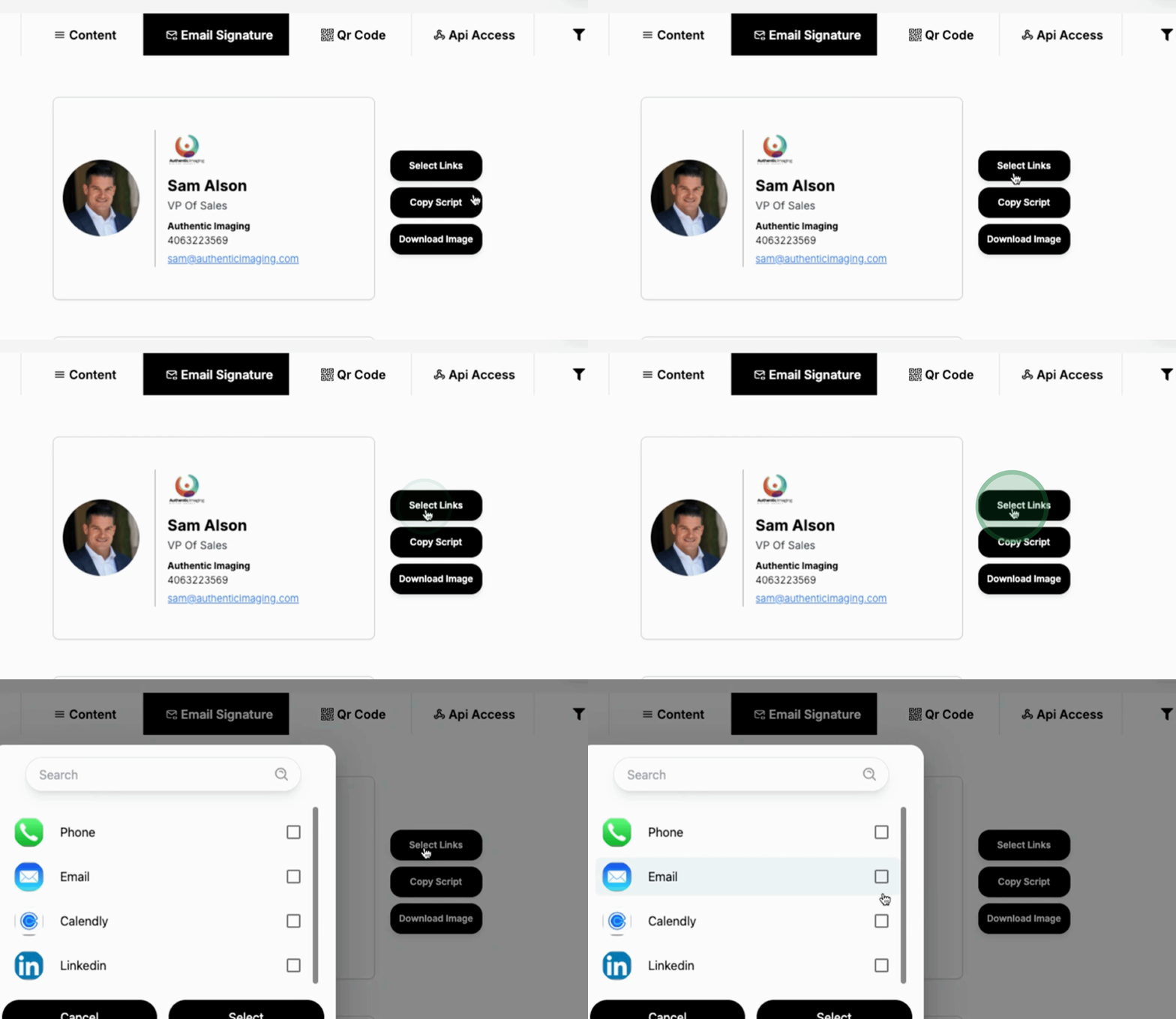
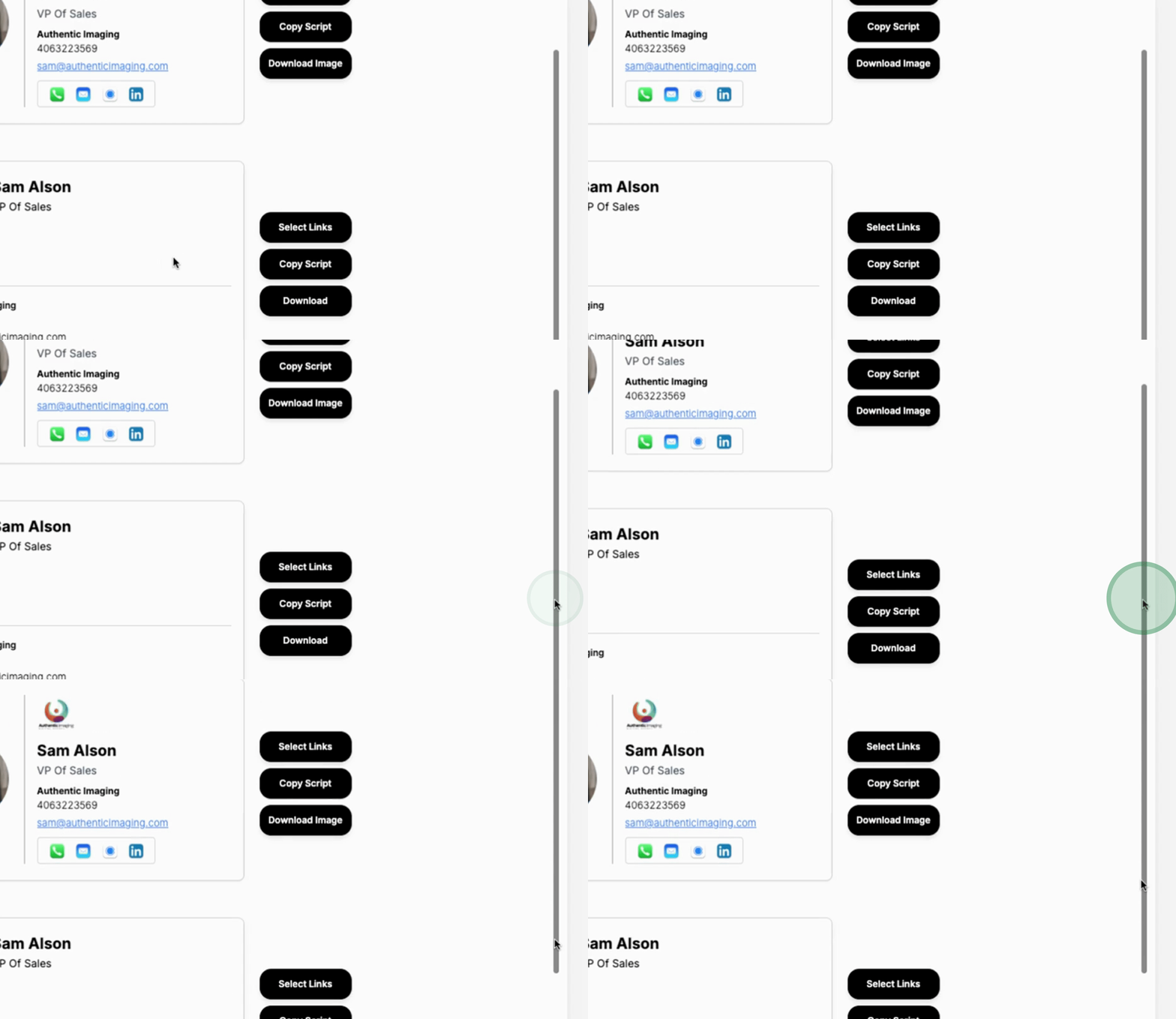
There are two types of layout design options available for your email signature.
You can choose to either download an image of your signature or copy the script to paste it elsewhere.
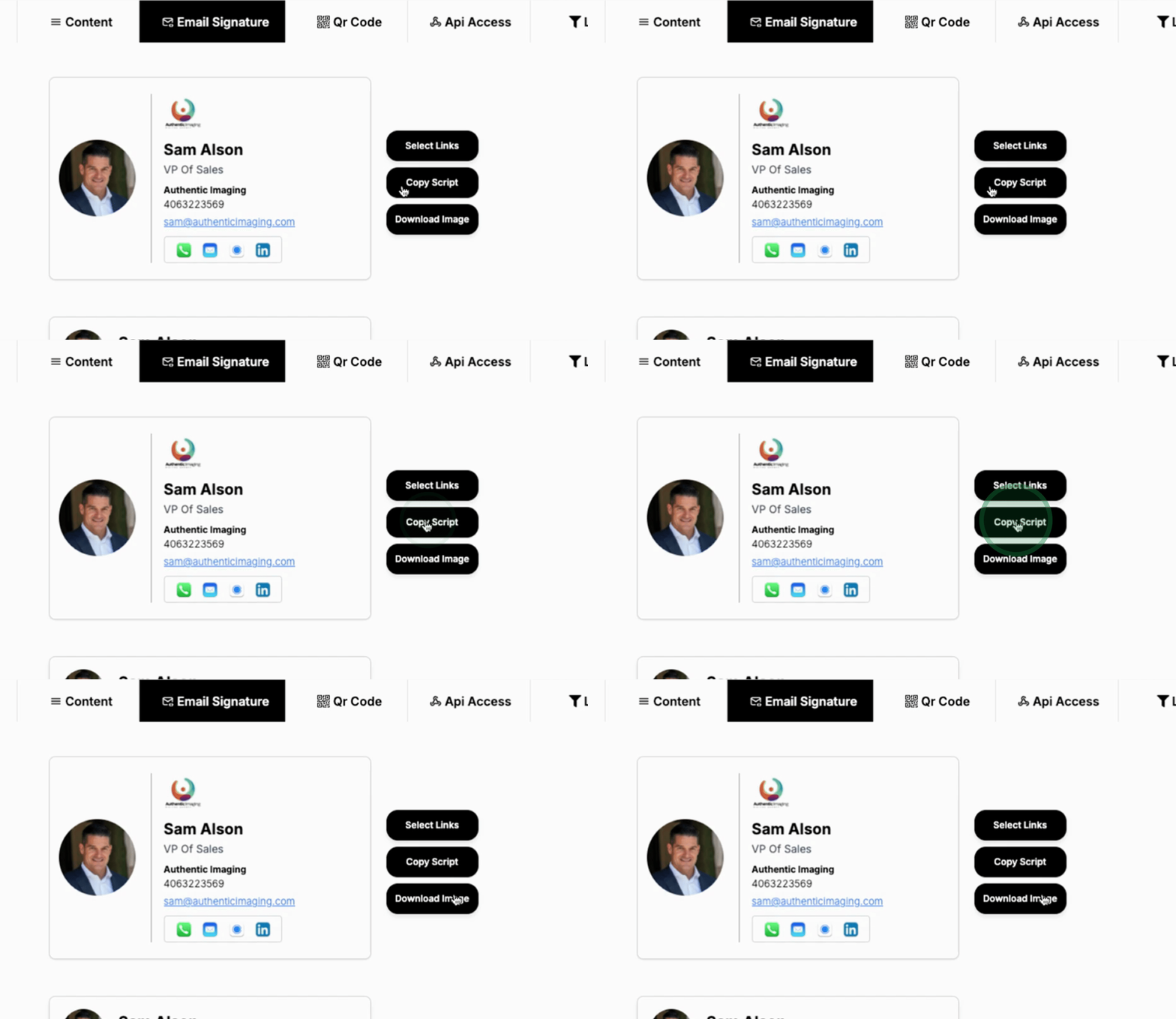
For maintaining clear consistency in your email signature, it is recommended to always use the download image option.
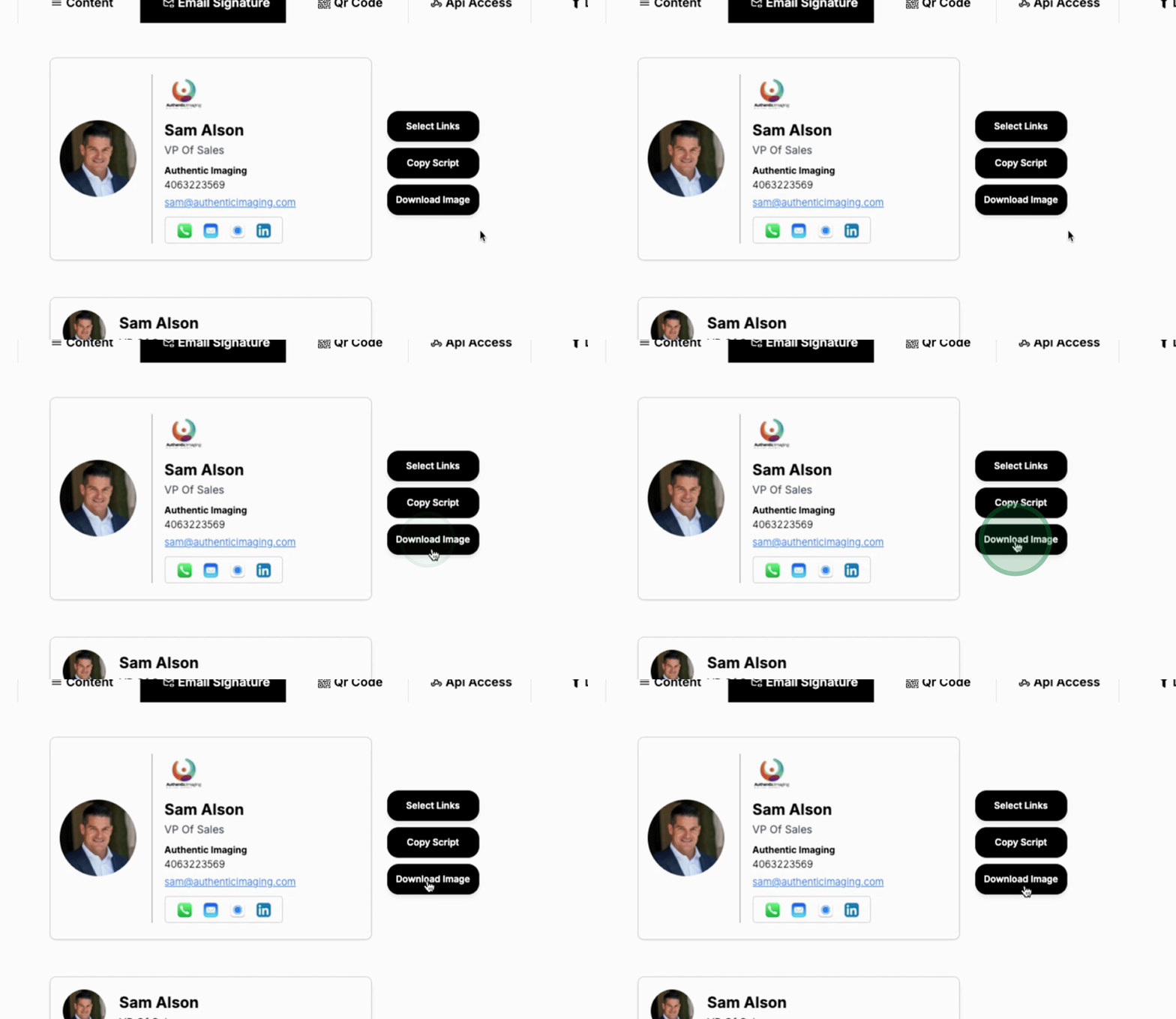
This concludes the overview of managing your email signature. Follow the provided steps to ensure you have a professional email signature set up.