

This tutorial will guide you through the process of enabling the share option and your wallet referral.
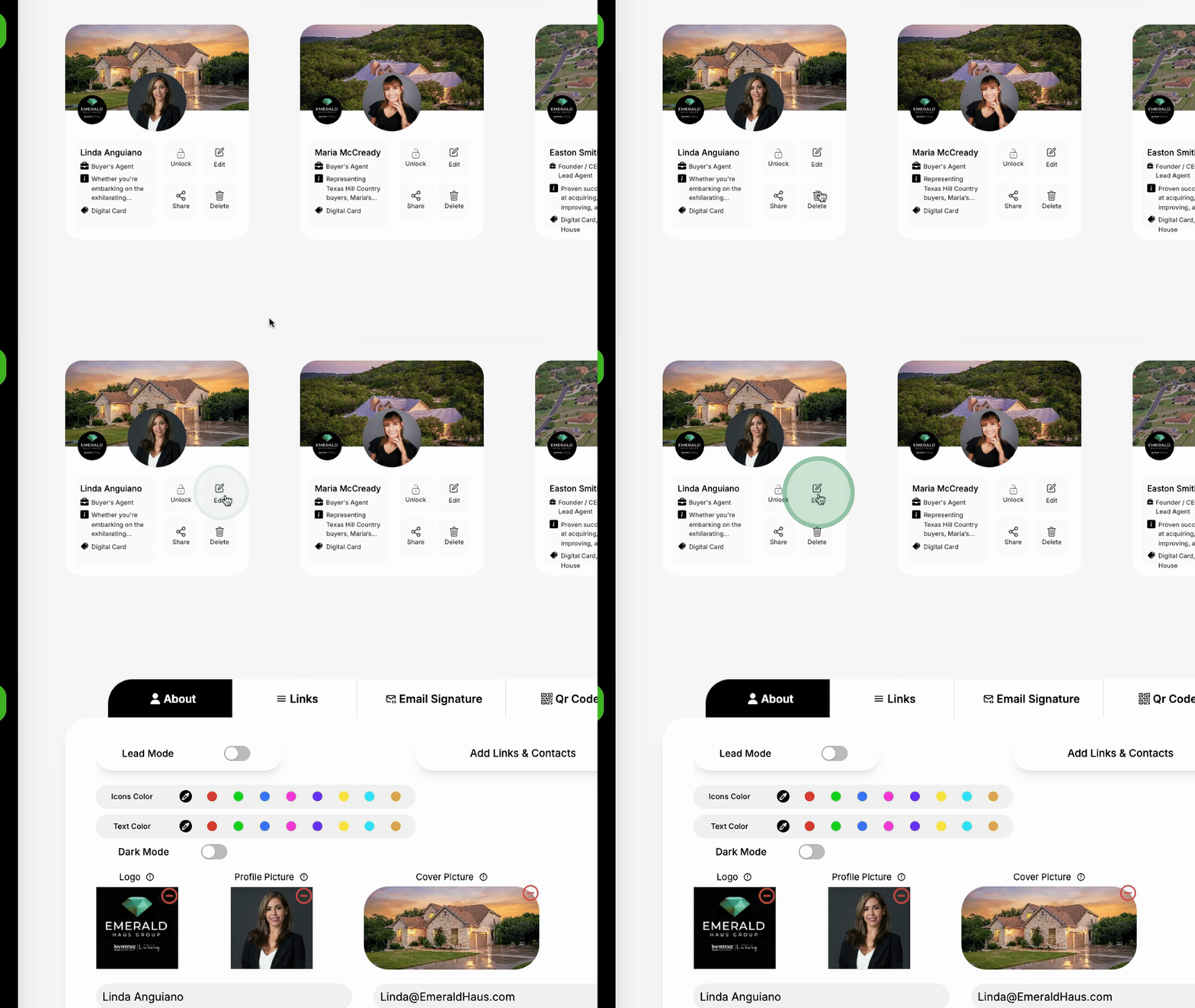
Begin by navigating to your individual profiles.
From there, go to Under Links and select Add Links.
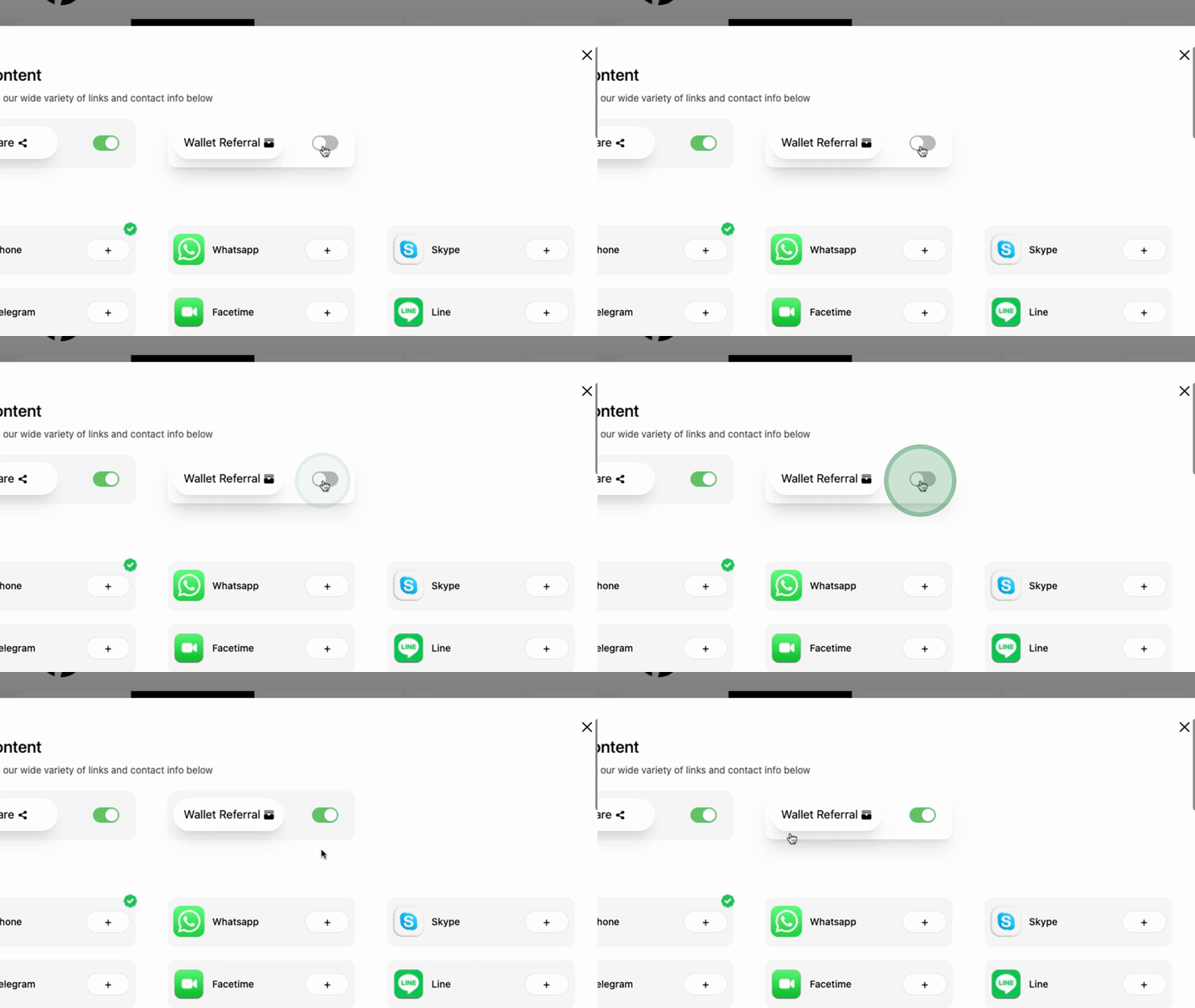
Here, you will find options to enable the Share Option and what's referred to as the Referral Wallet.
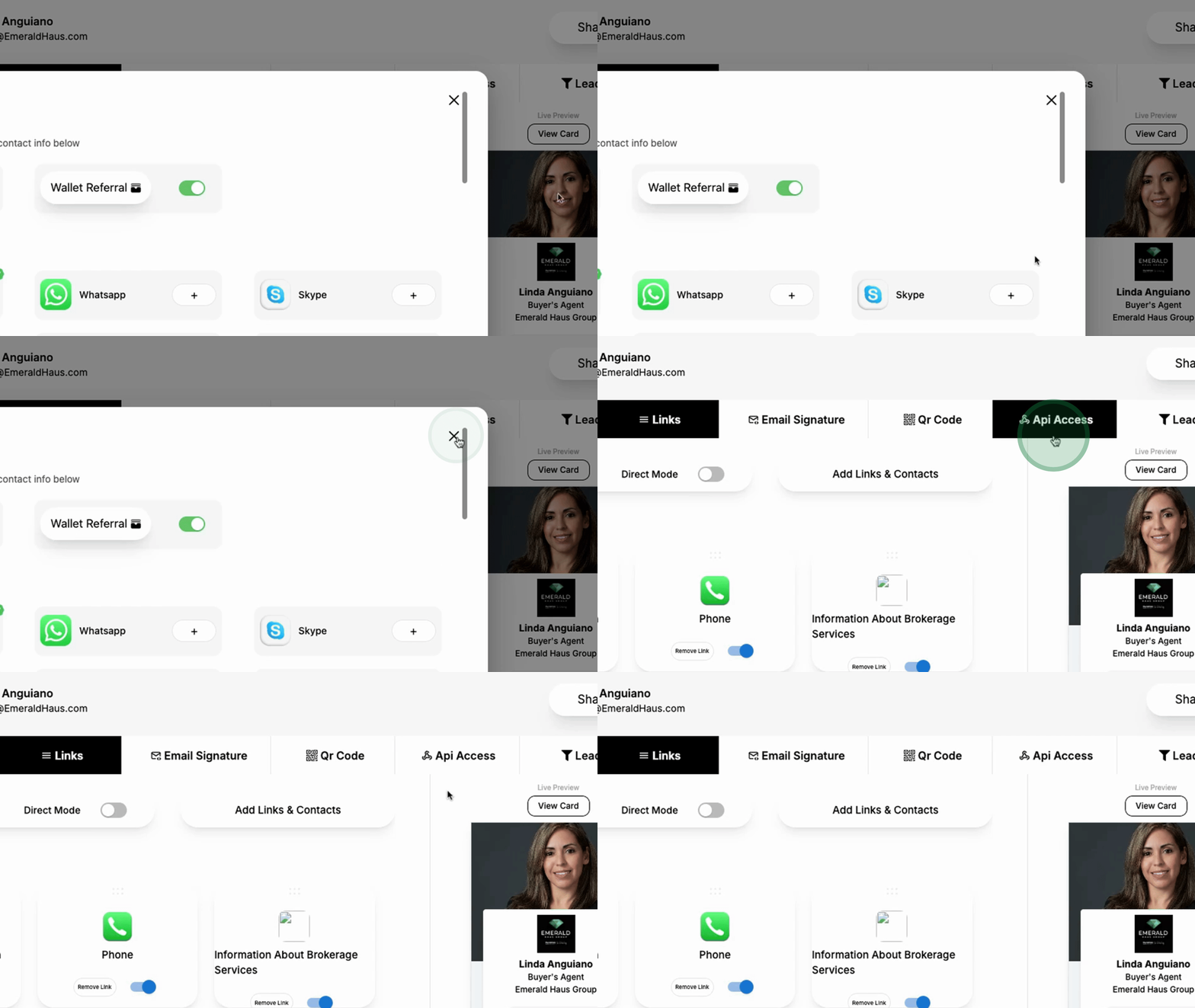
Once these options are enabled, you can preview a card.
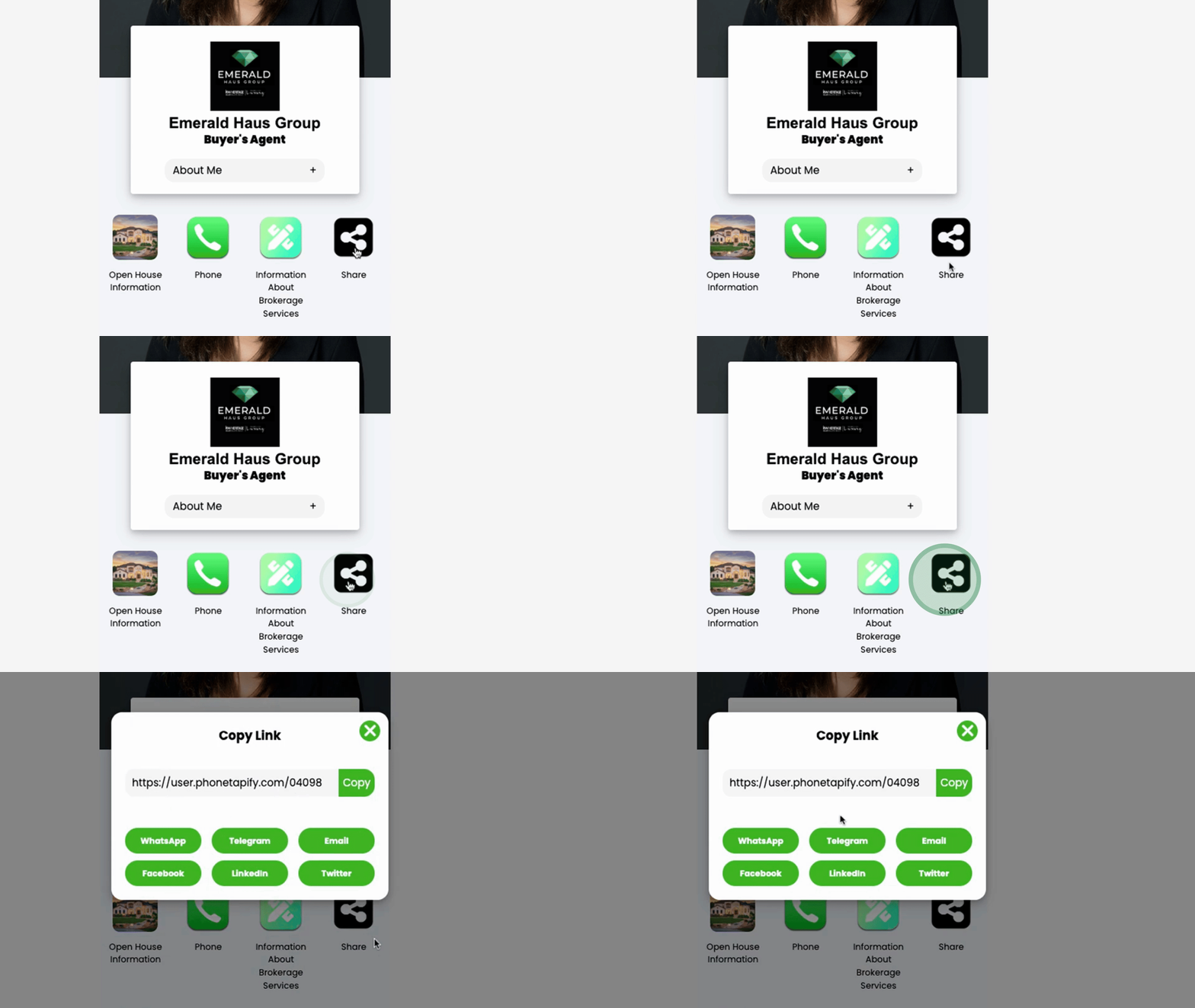
You will have the ability to easily copy your profile link, which can be sent via text or email.
You can also share it on social media platforms such as Facebook and LinkedIn, making it convenient to disseminate your profile link.
The next feature involves the wallet.
If anyone is interested in providing you referrals, it is recommended that they save a copy of your wallet.
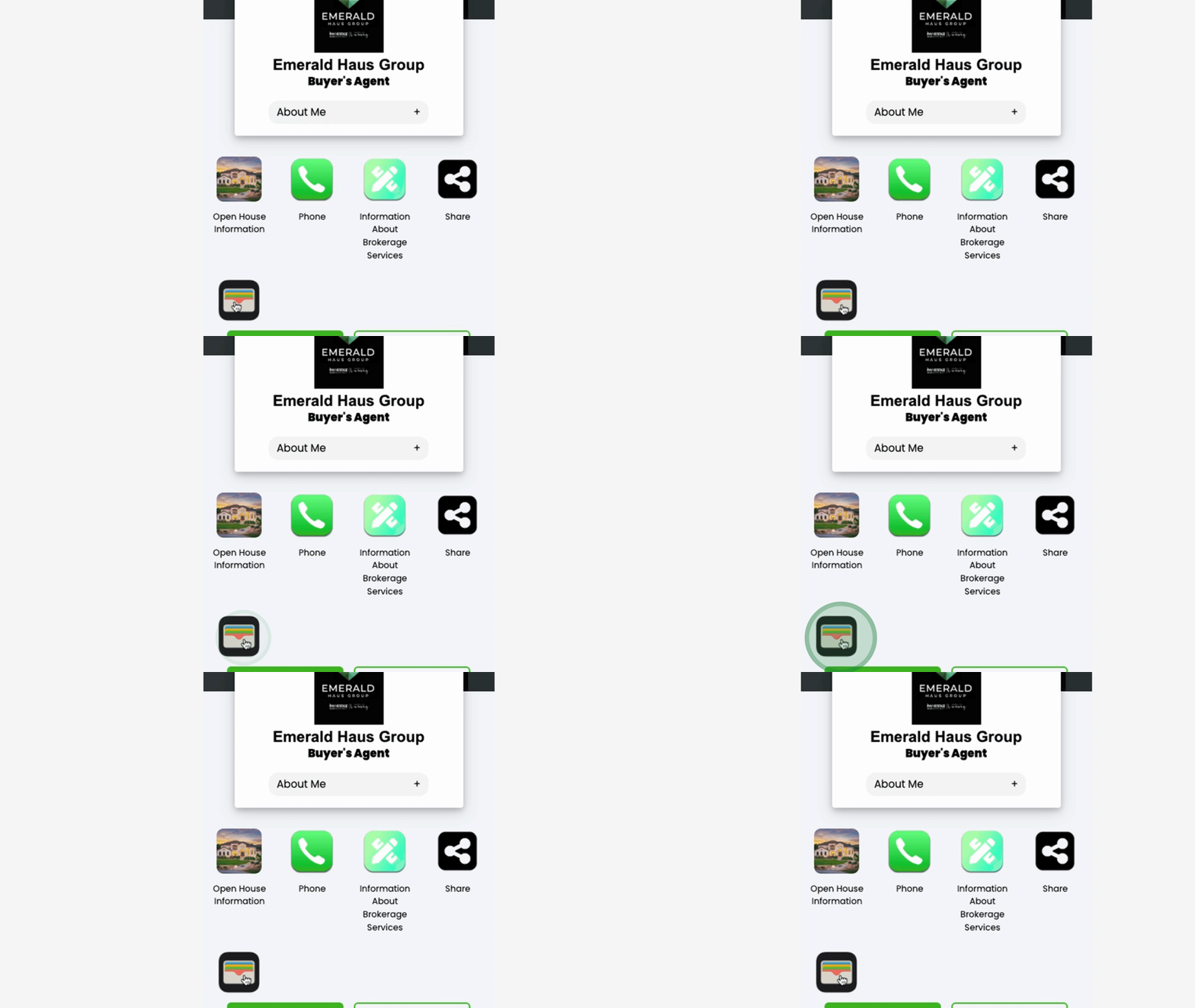
This will ensure that your digital card is saved on their phone.
Thus, at any time they wish to share your information, they can have someone scan the QR code to access it.
This tutorial concludes with an overview of the new features that have recently been added. Should you have any further questions, feel free to reach out.
