

This tutorial will guide you through the process of creating sub teams, including adding profile pictures, labeling teams, and managing team members.
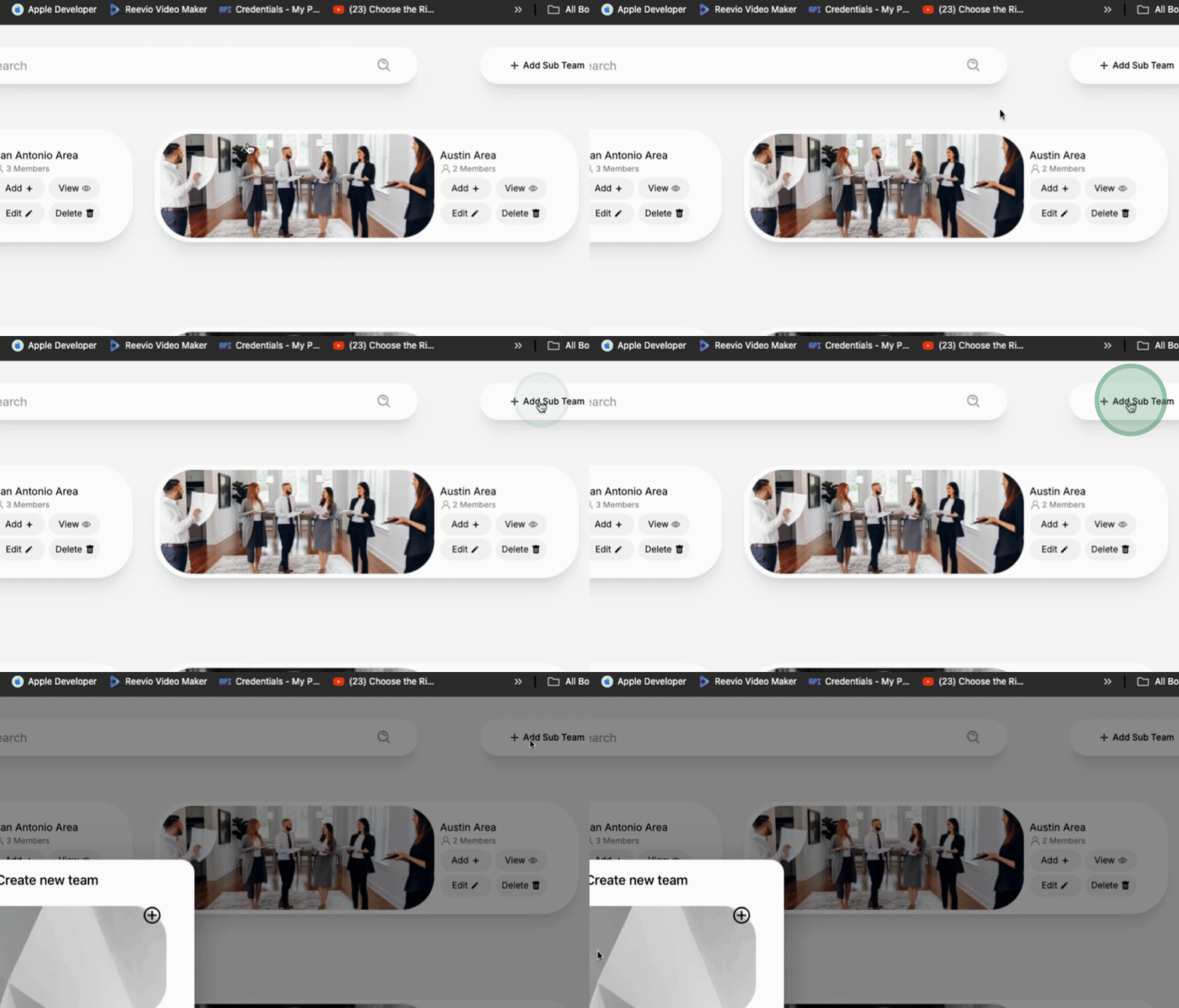
To start, add a sub team by clicking the appropriate option.
Next, upload a Profile Picture and crop the image as necessary.
Label this sub team as Sales.
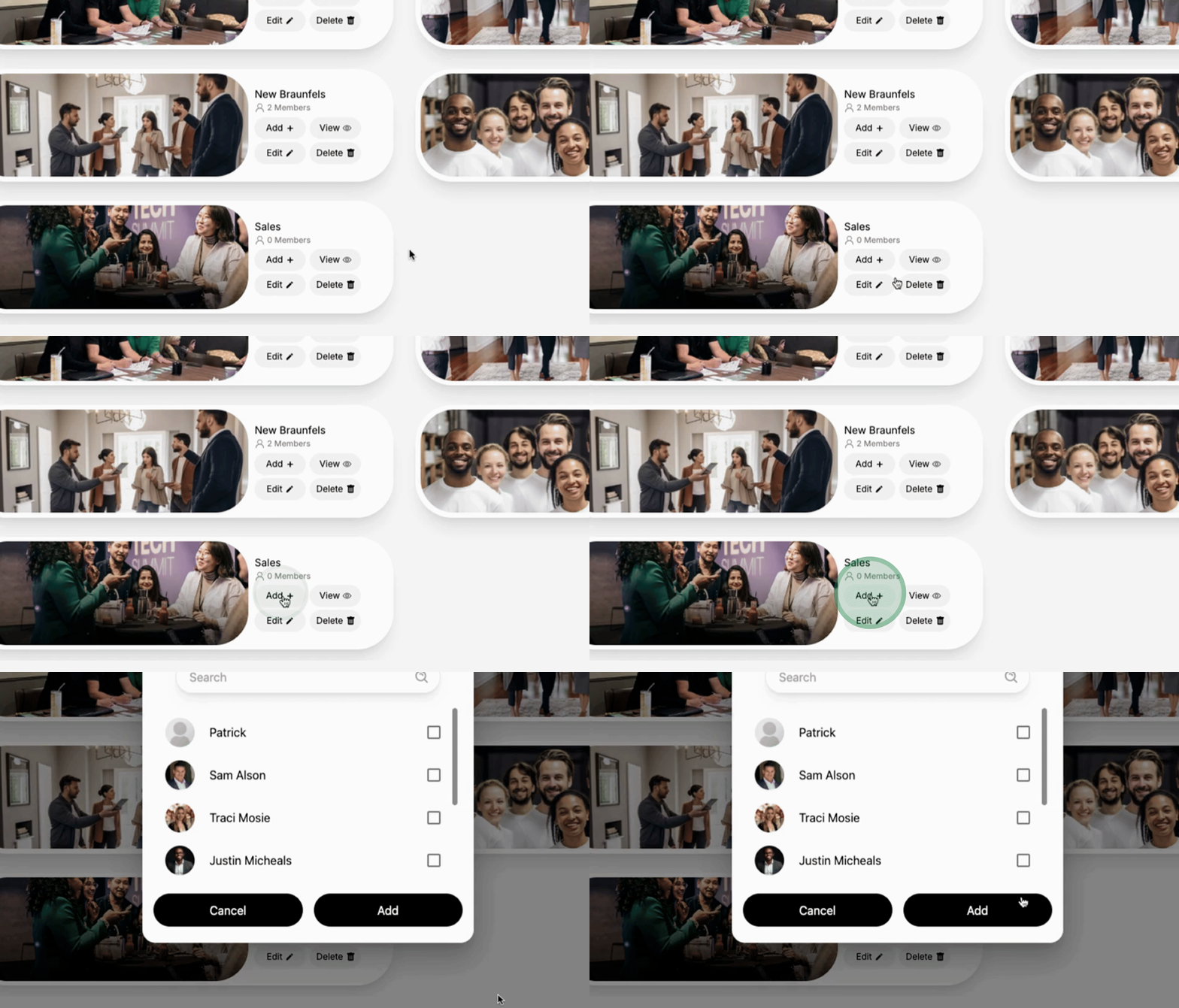
Once the sales team is created, the next step is to add your team members for sales.
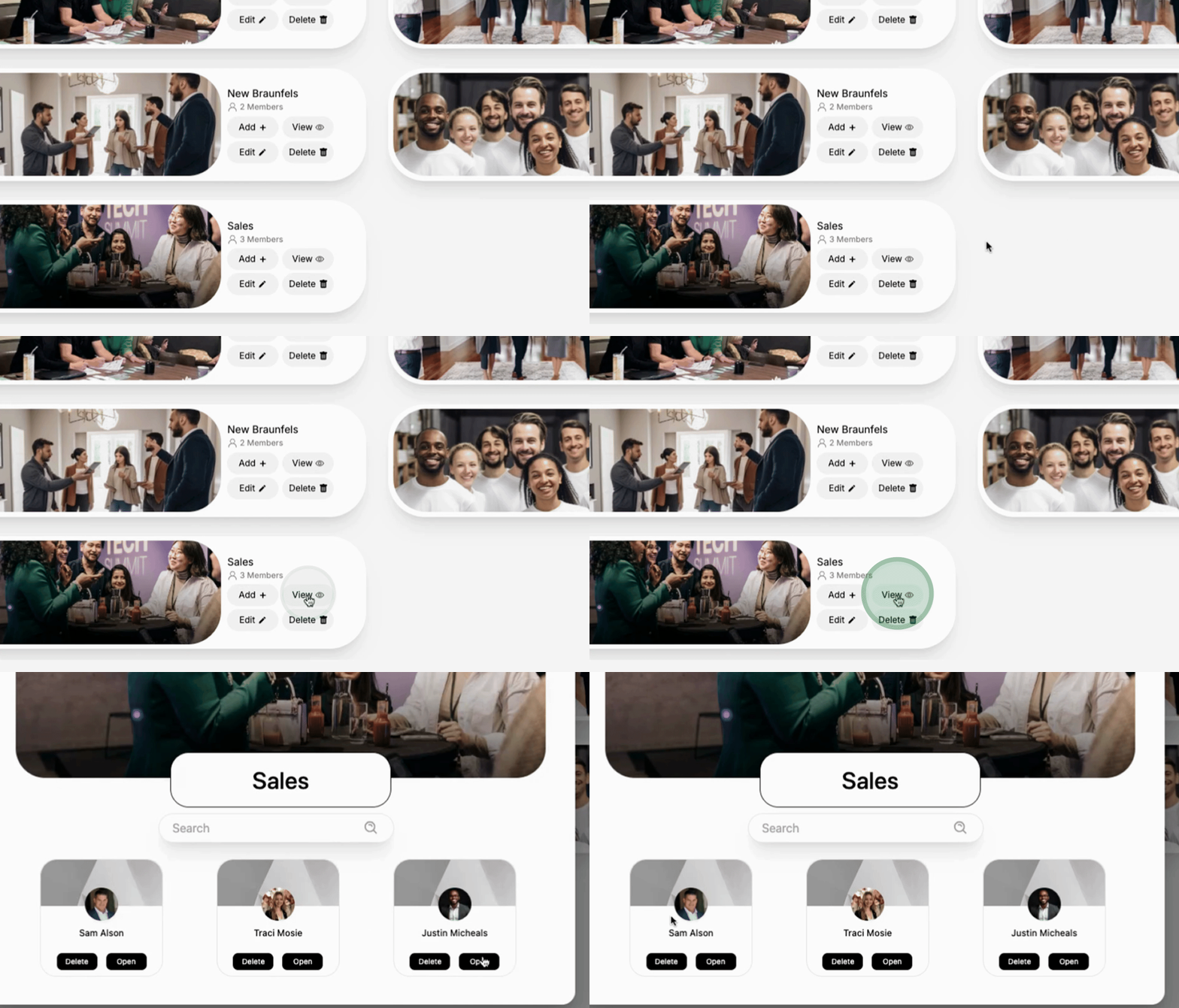
Click on View to display all the team members associated with the sales team.
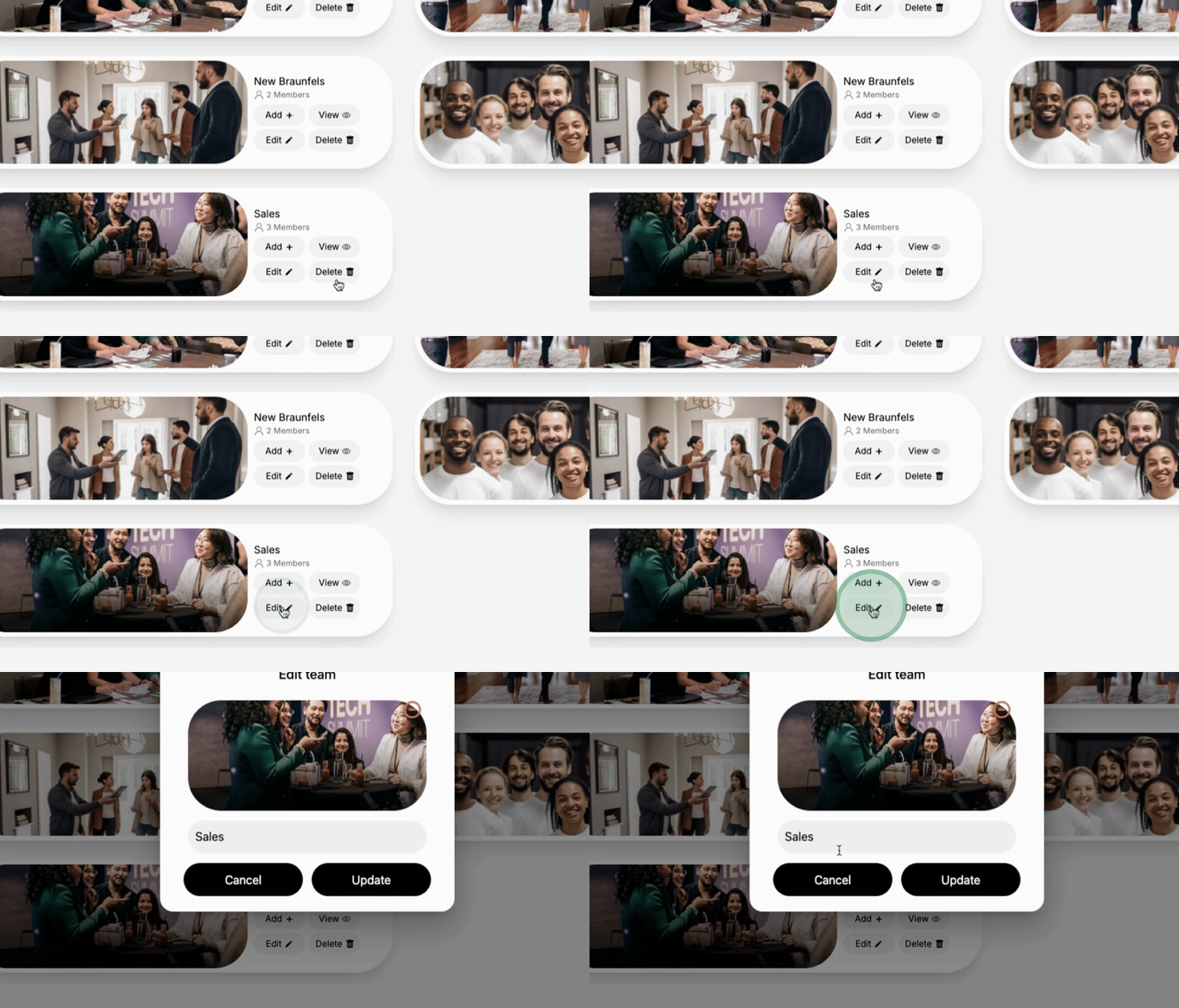
If you wish to edit a member's name, simply do so and click Update.
To delete a member, hit the Delete option.
To add more members, you can keep clicking the option to Add More Members to the team.
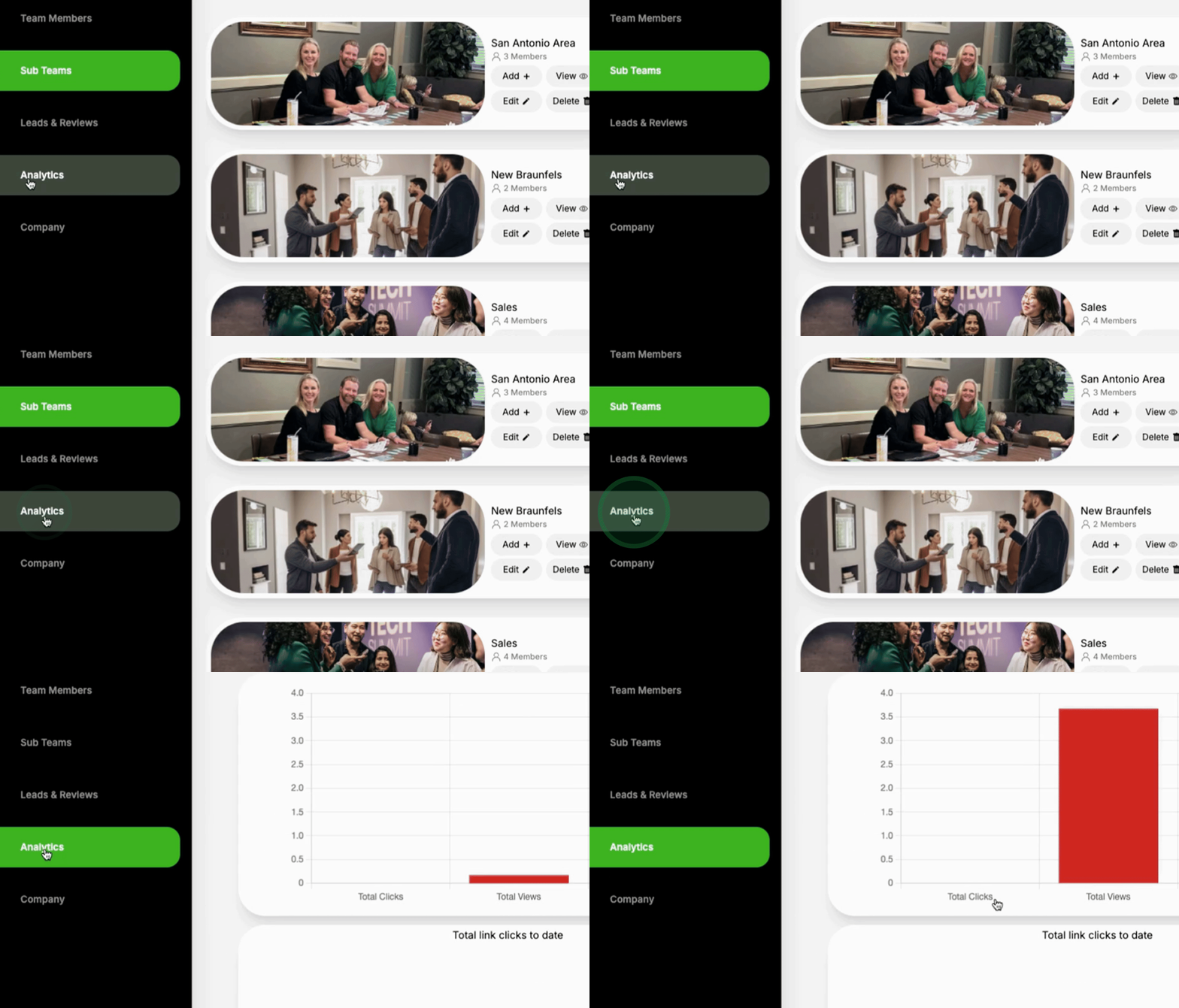
When you proceed to Analytics, select the Sales Team to view performance metrics including tabs and clicks.
This concludes the tutorial on how to create and manage sub teams.
