


This tutorial provides a quick overview of the Phontopify Team Dashboard and its key functionalities.
In the Team Section, you will have access to all your team members.
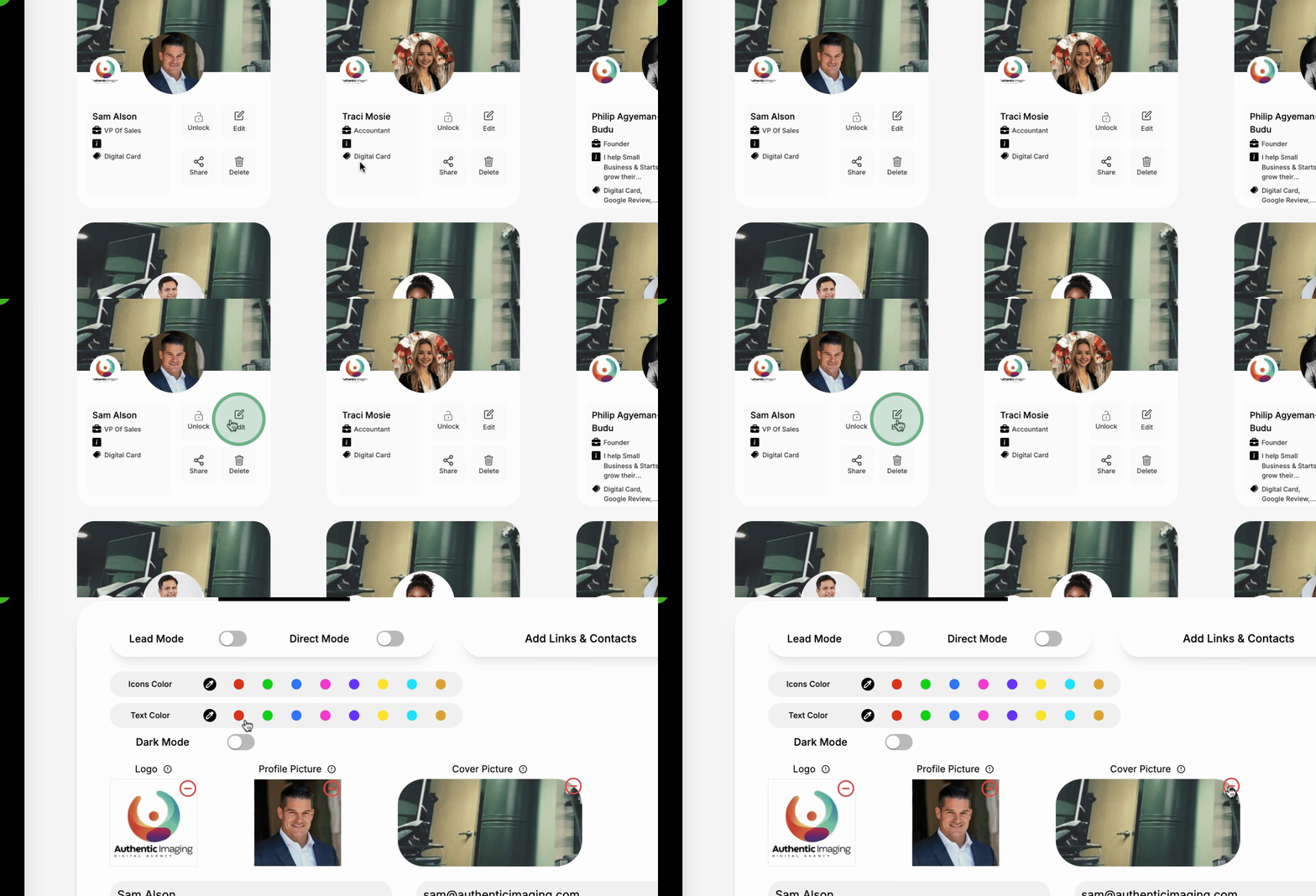
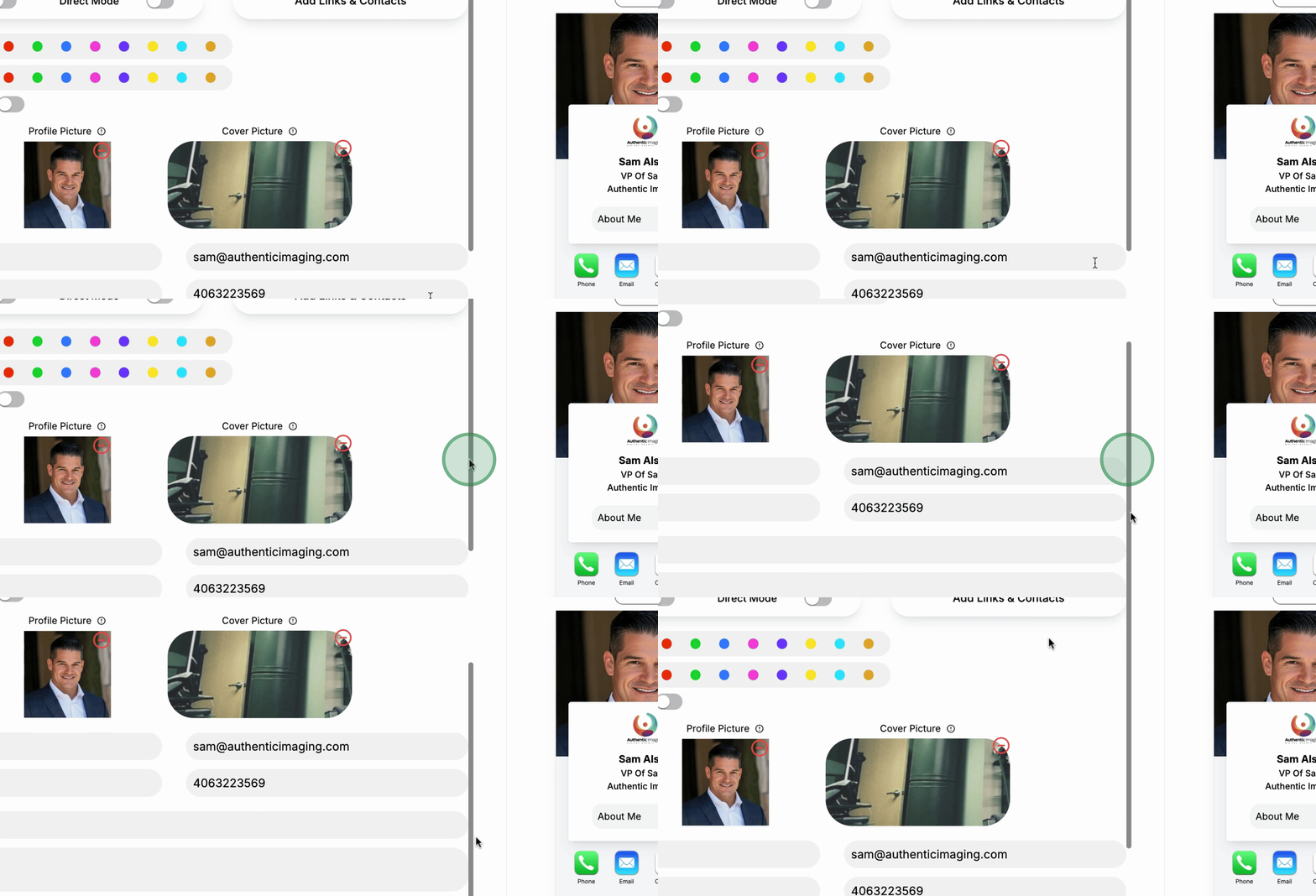
You have the ability to edit the About Us information and modify content.
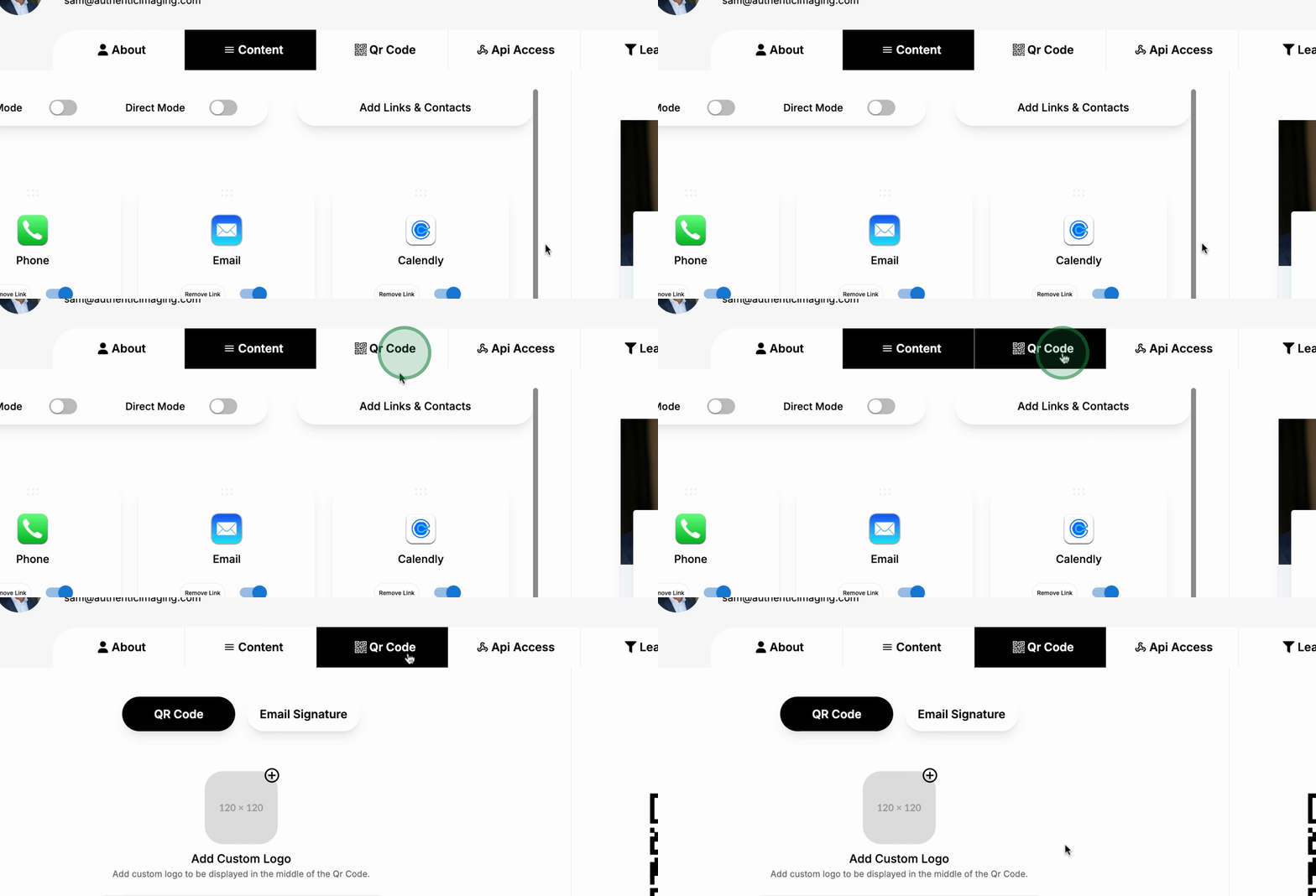
The dashboard includes a QR Code Generator for your convenience.
You can access both Apple Wallet and Google Wallet.
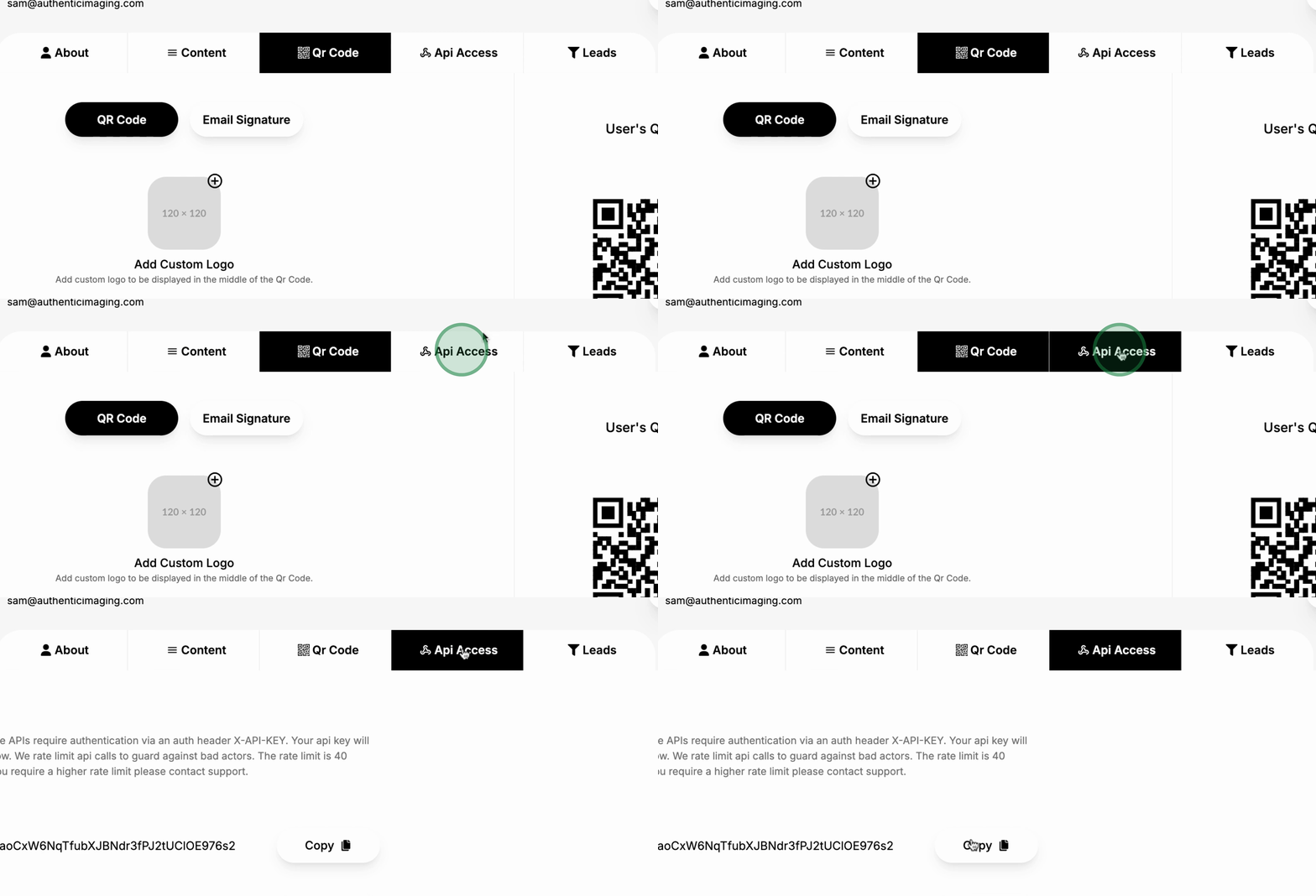
There is API access available for your team members to connect to their CRMs.
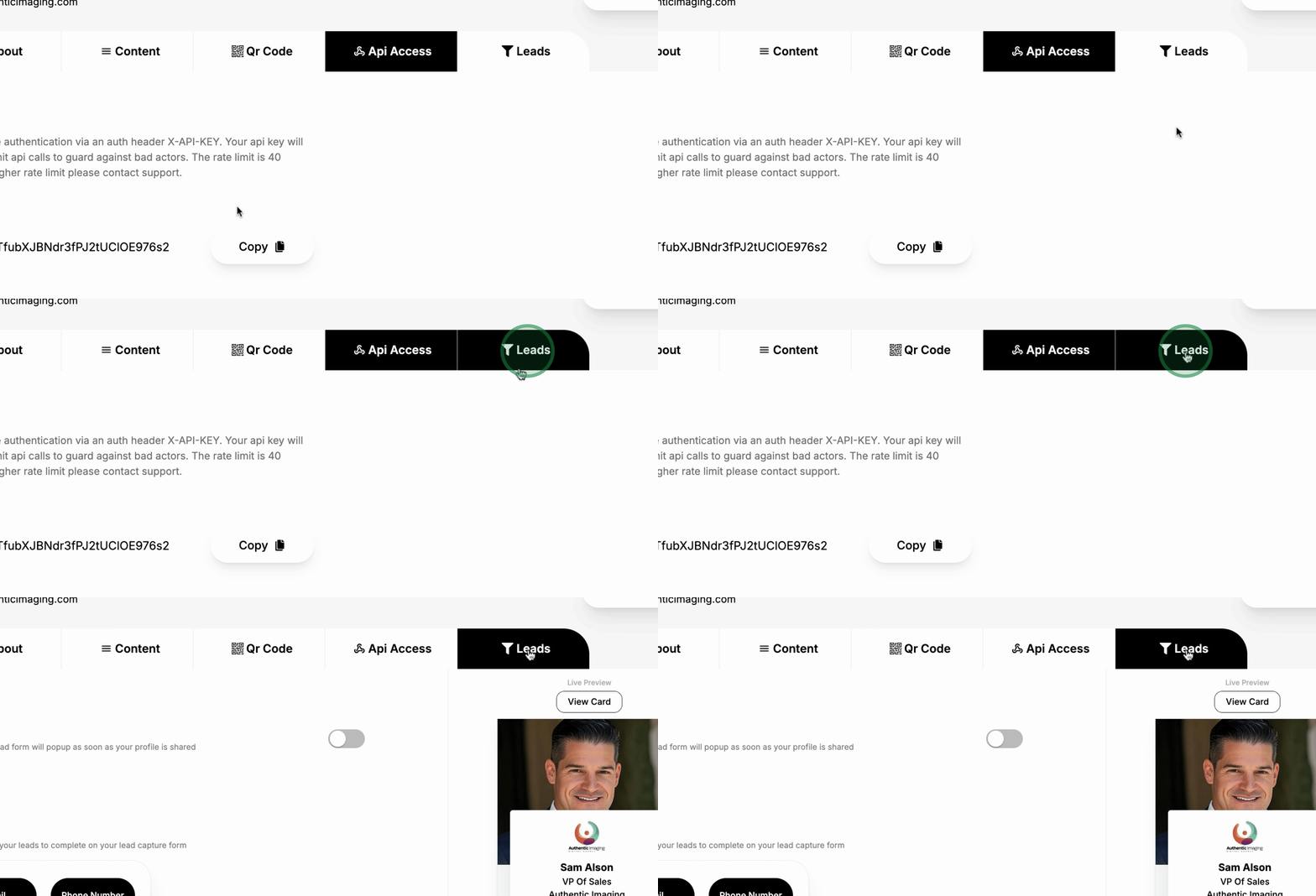
You can also manage Lead Forms through the dashboard.
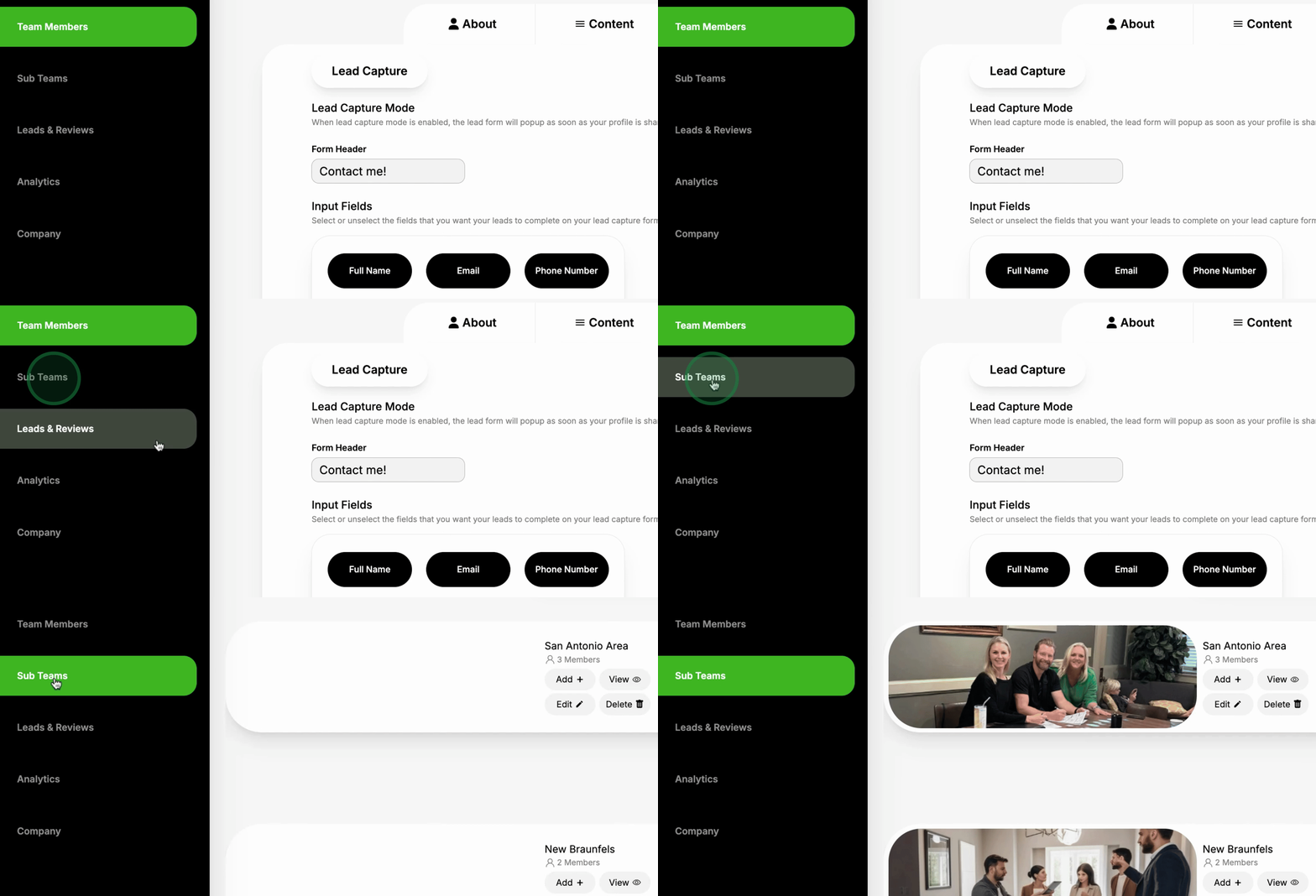
Within the SOAP team section, you have the option to create SOAP Teams.
You can monitor performance based on a group of team members' performance.
The system allows you to easily add more team members into a group.

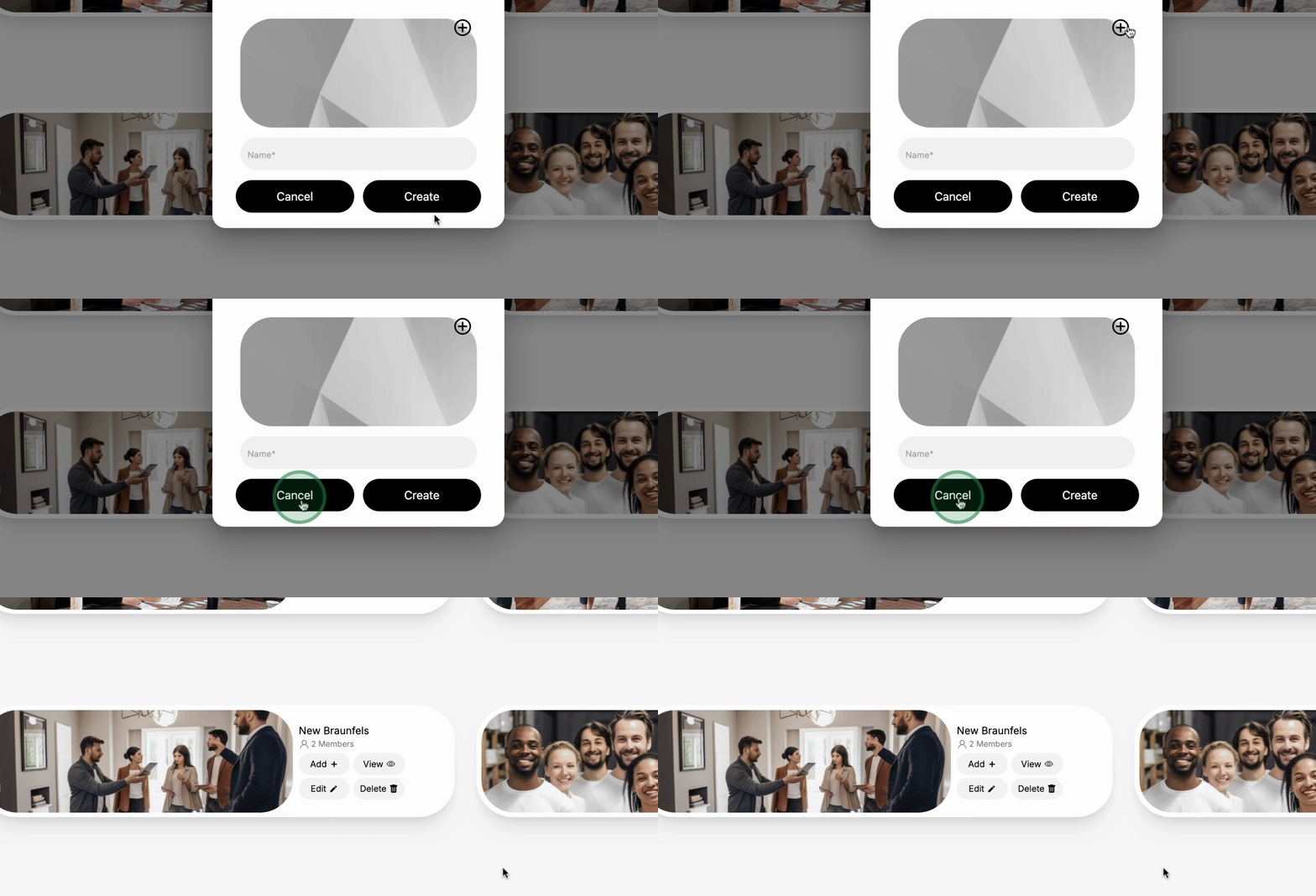
You will be able to create entirely new Subteams.
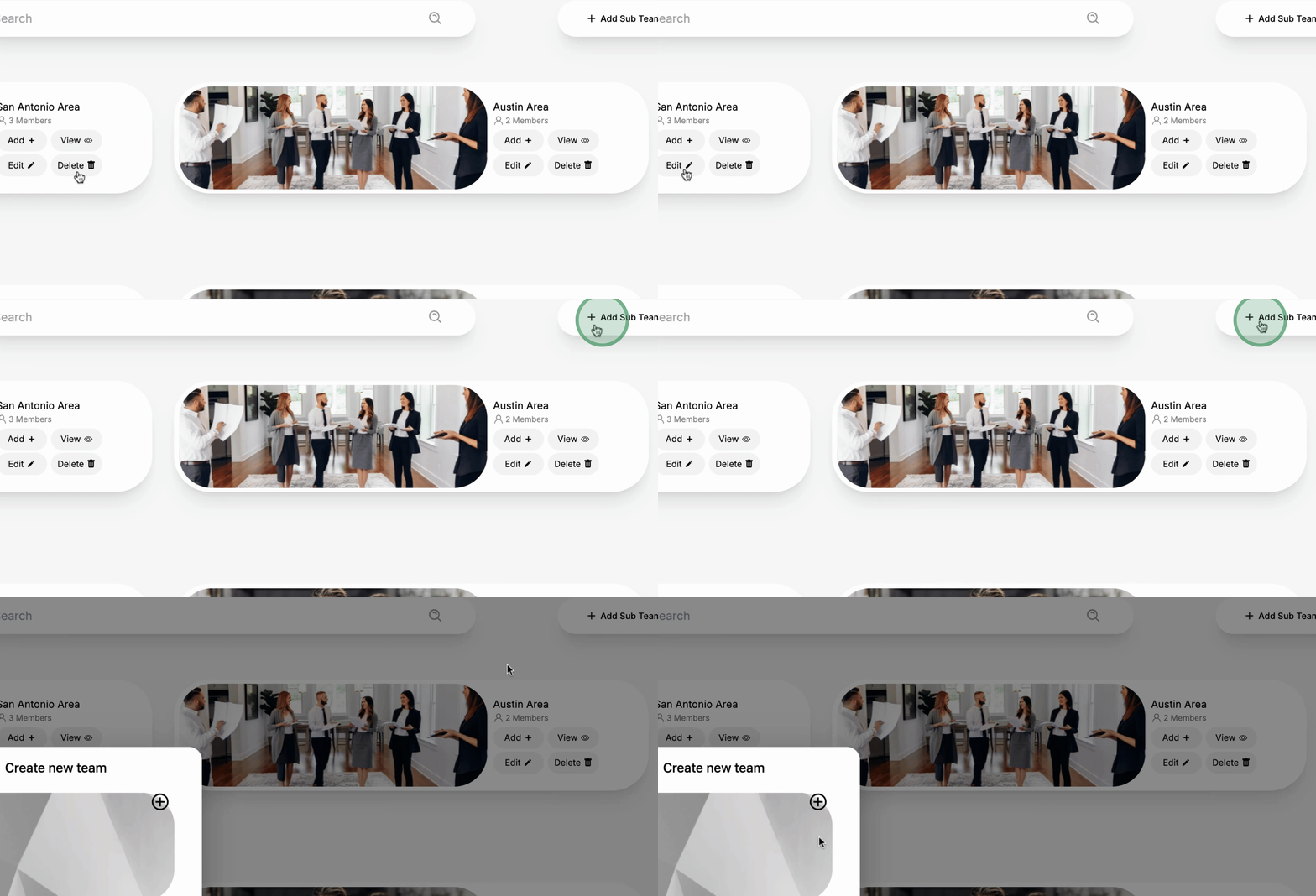
Performance monitoring can be established on any outcome you prefer.
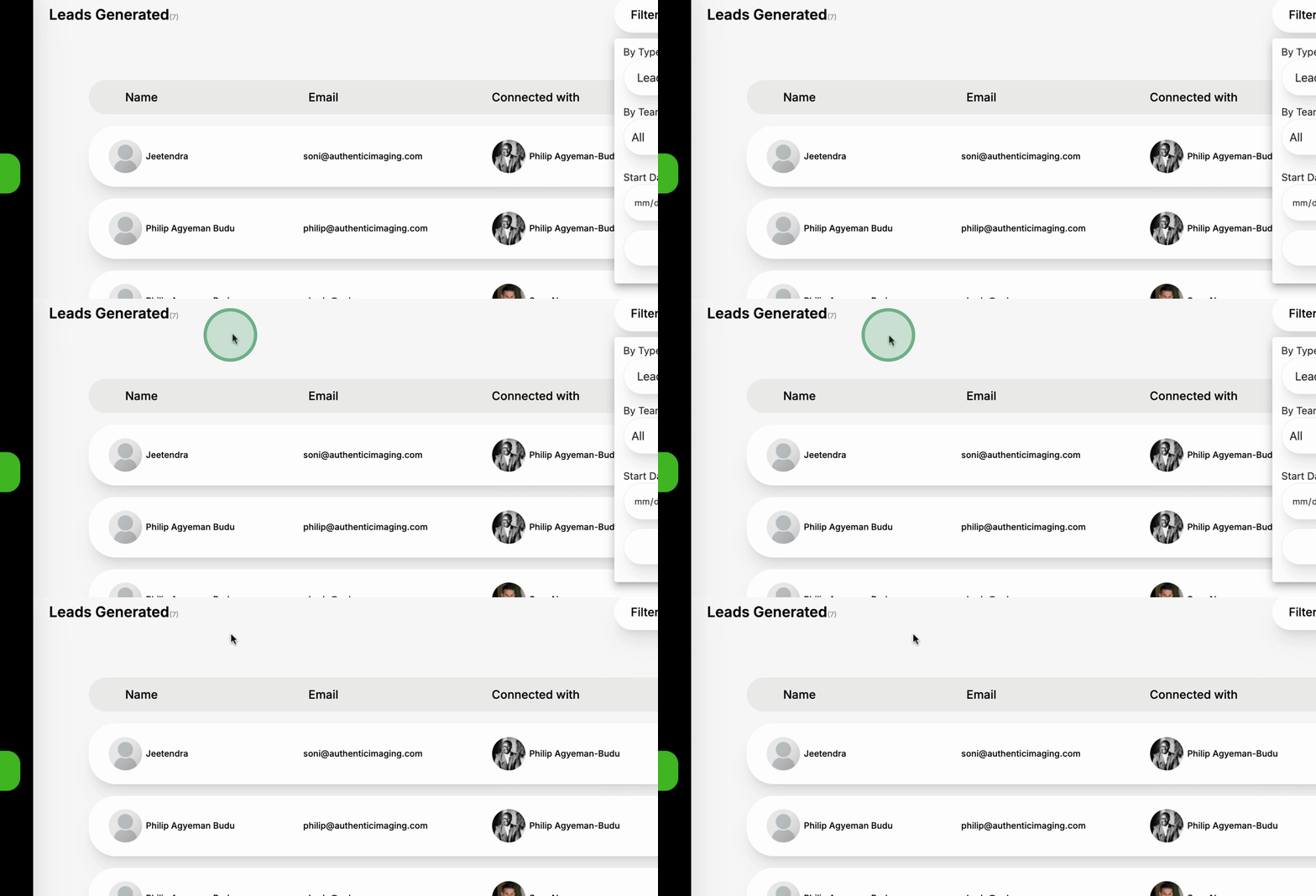
The Leads Section enables you to see all reviews captured.
You can view all leads captured through networking events and inquiries.
The system allows you to filter leads based on team and date.
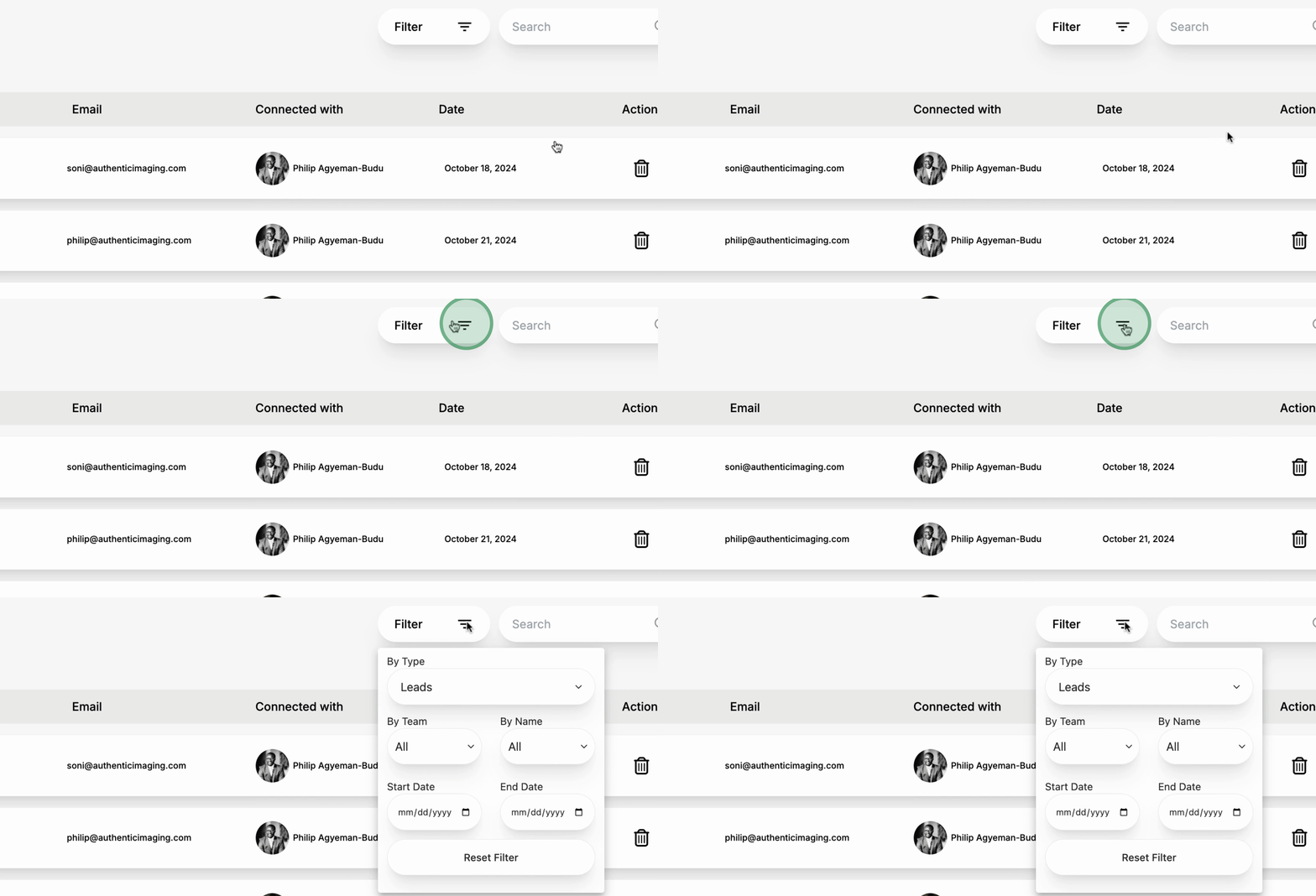
You have the option to Export Data as needed.
You can connect the dashboard to your CRM seamlessly.
The Analytics Section lets you see total reviews collected.
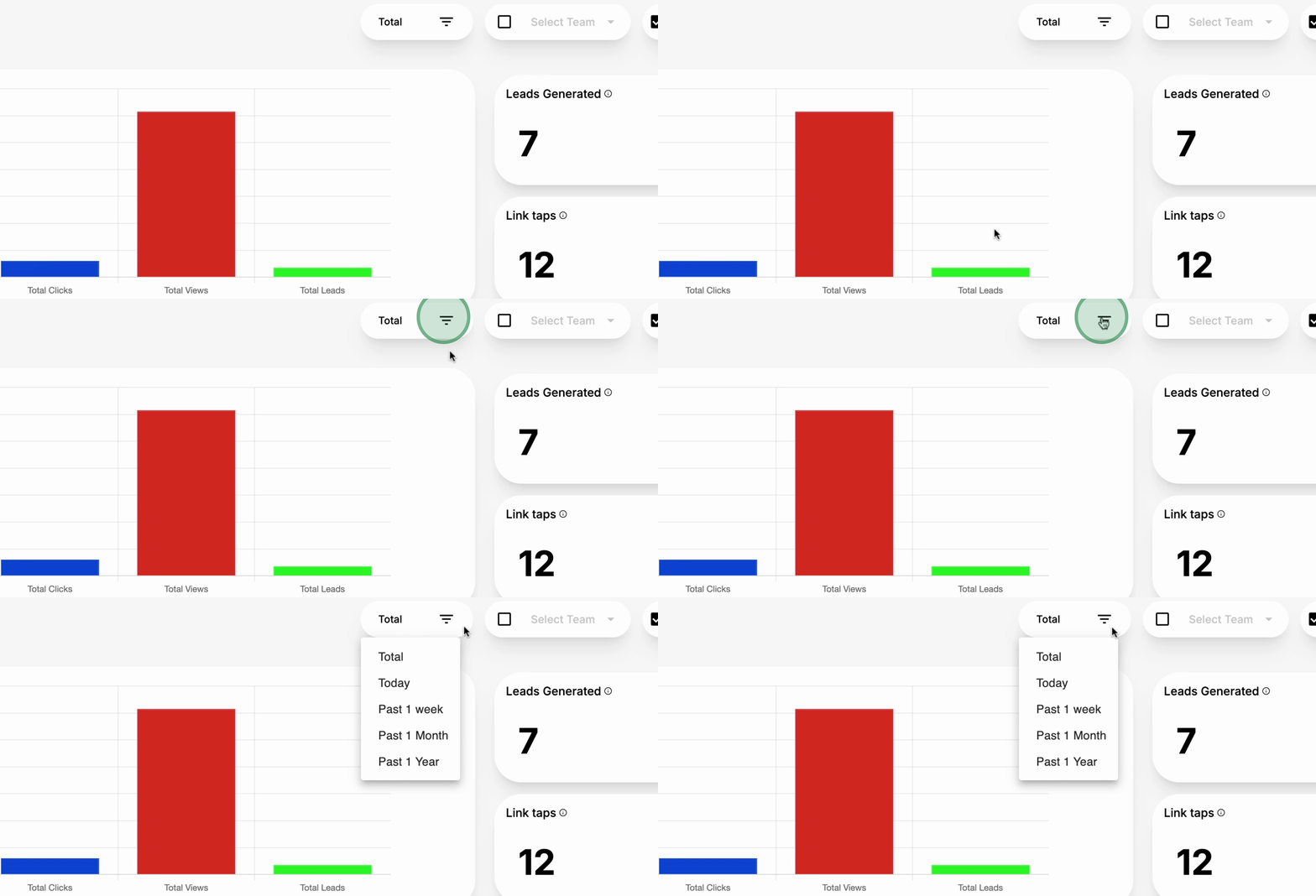
Data can be viewed by day, week, month, and year for better insights.
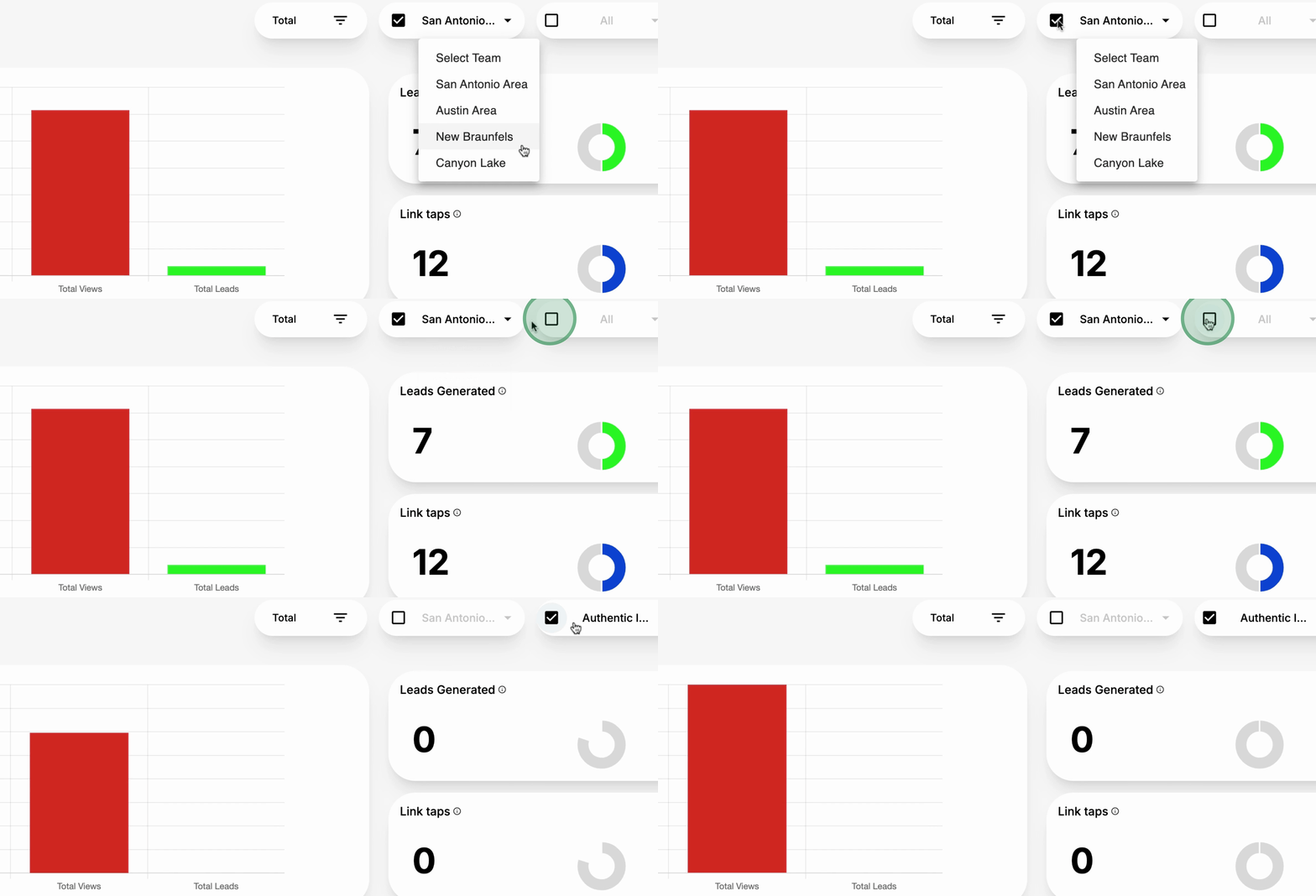
You can select performance metrics based on the teams.
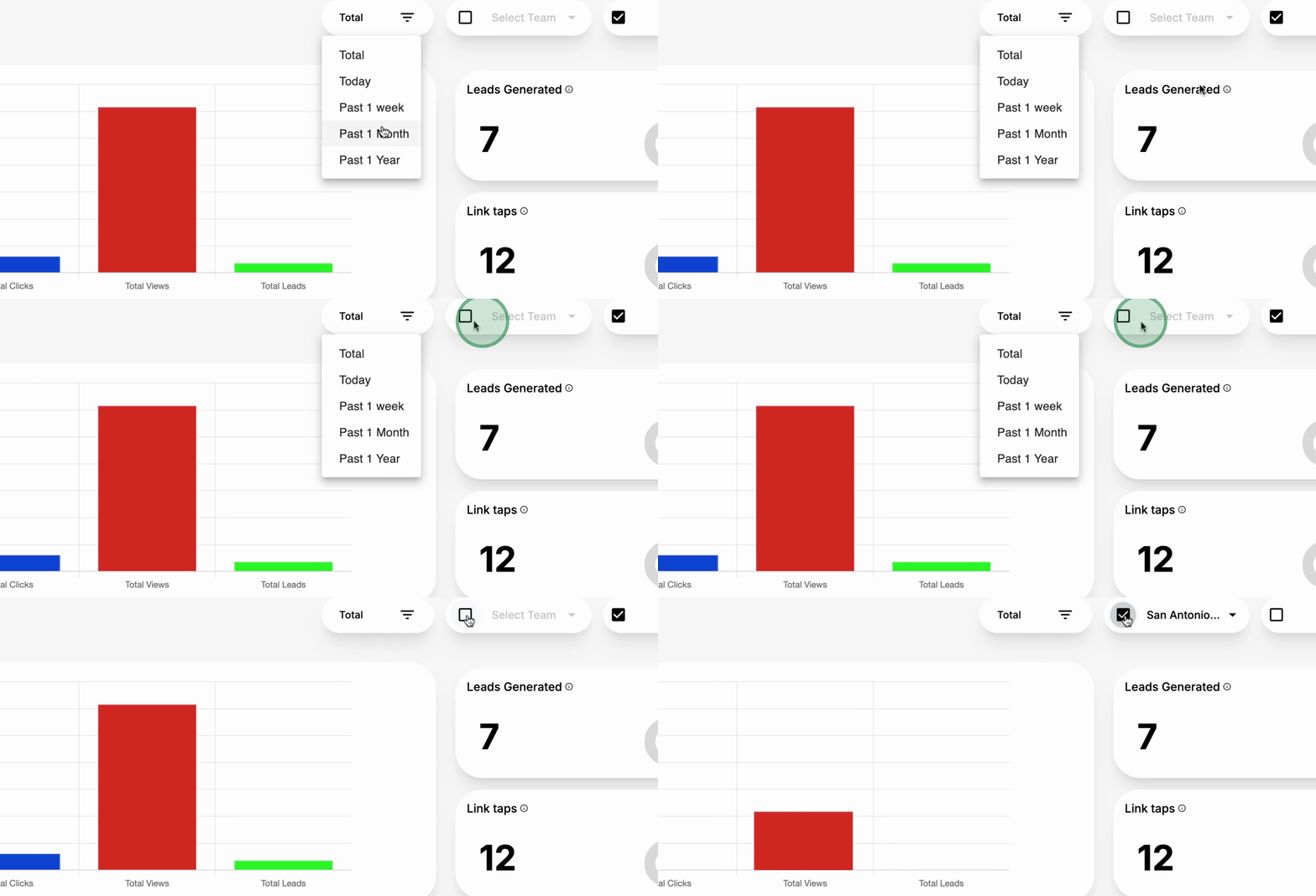
Performance can also be viewed based on Subteams.
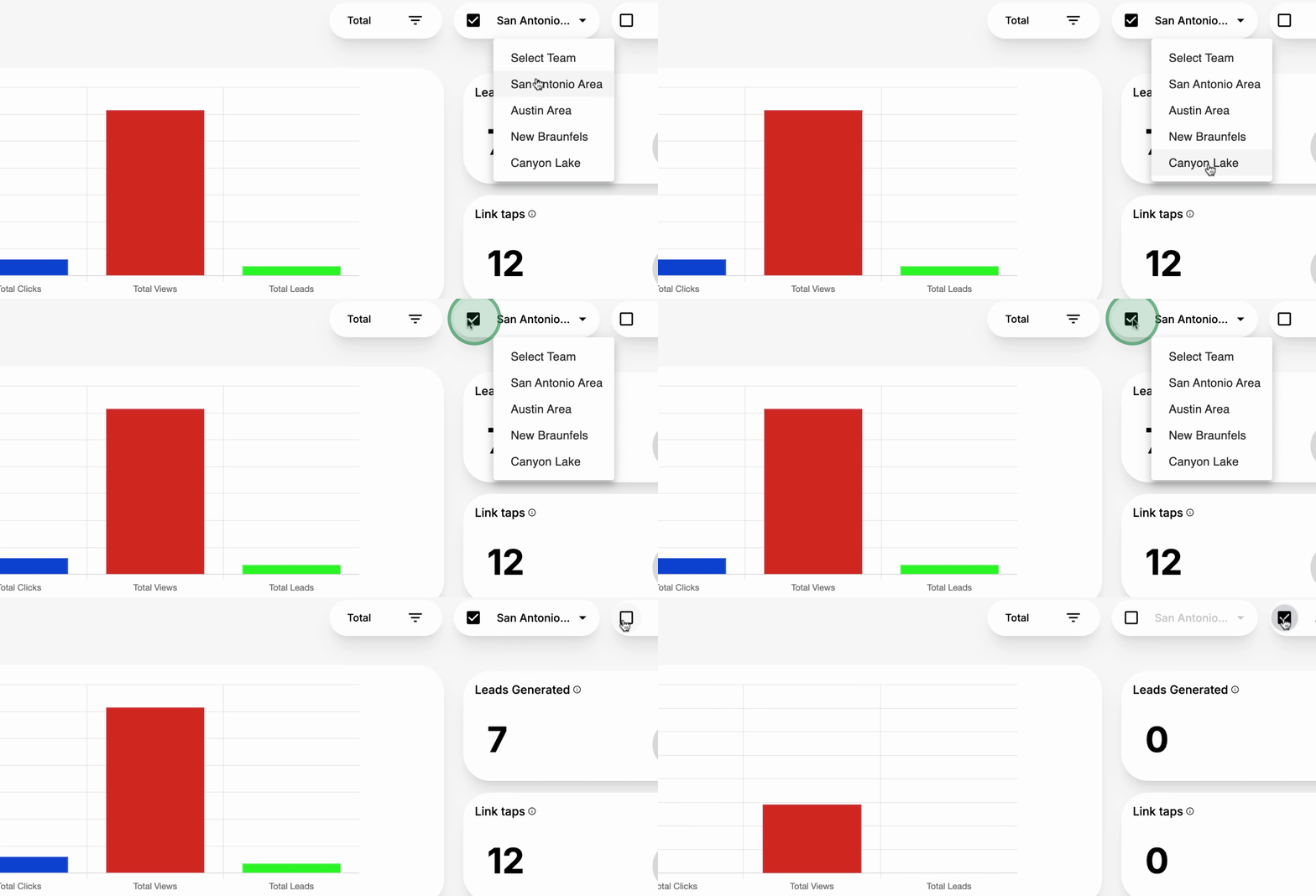
You can review performance on an Individual team member level.
Regarding Company Data, you will be able to control your company settings.
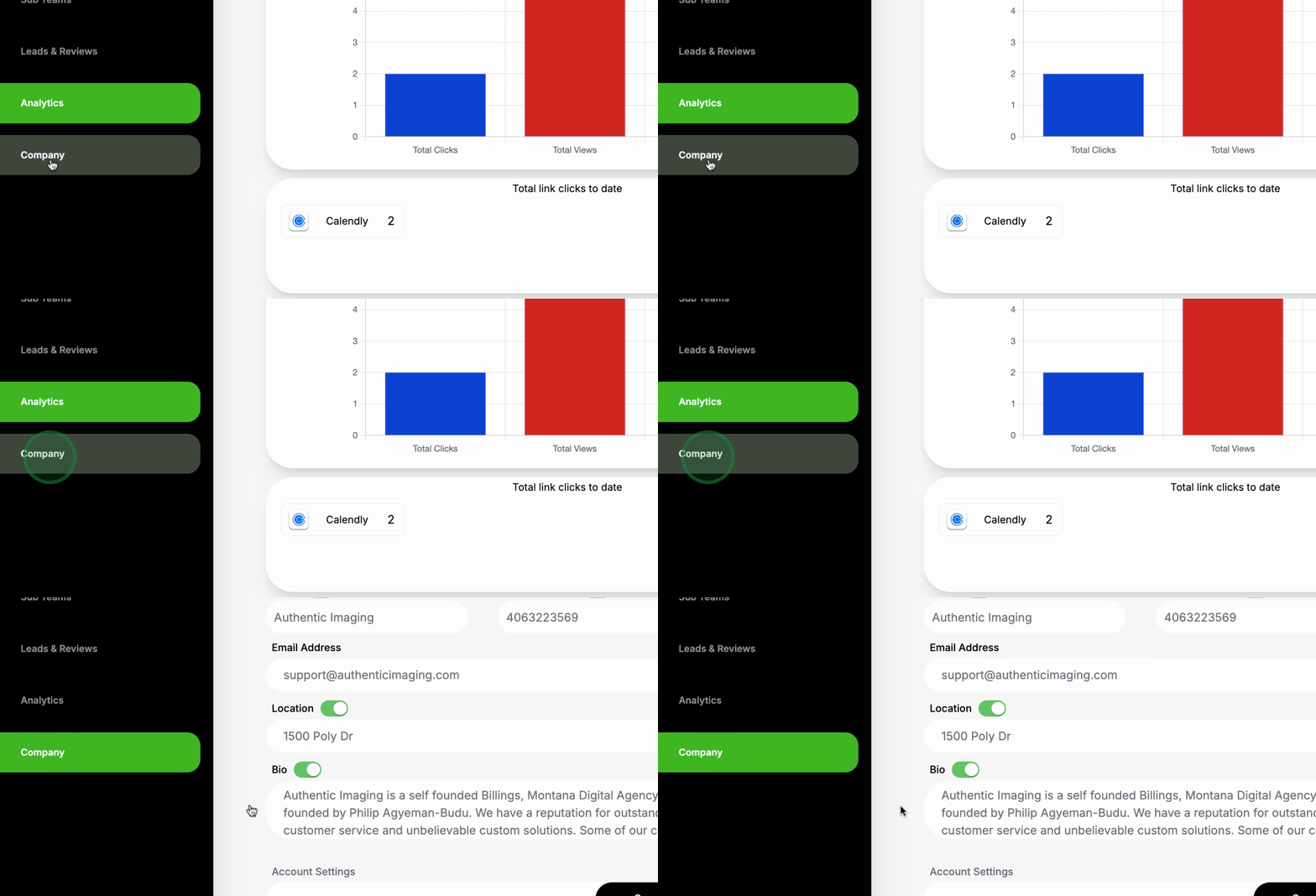
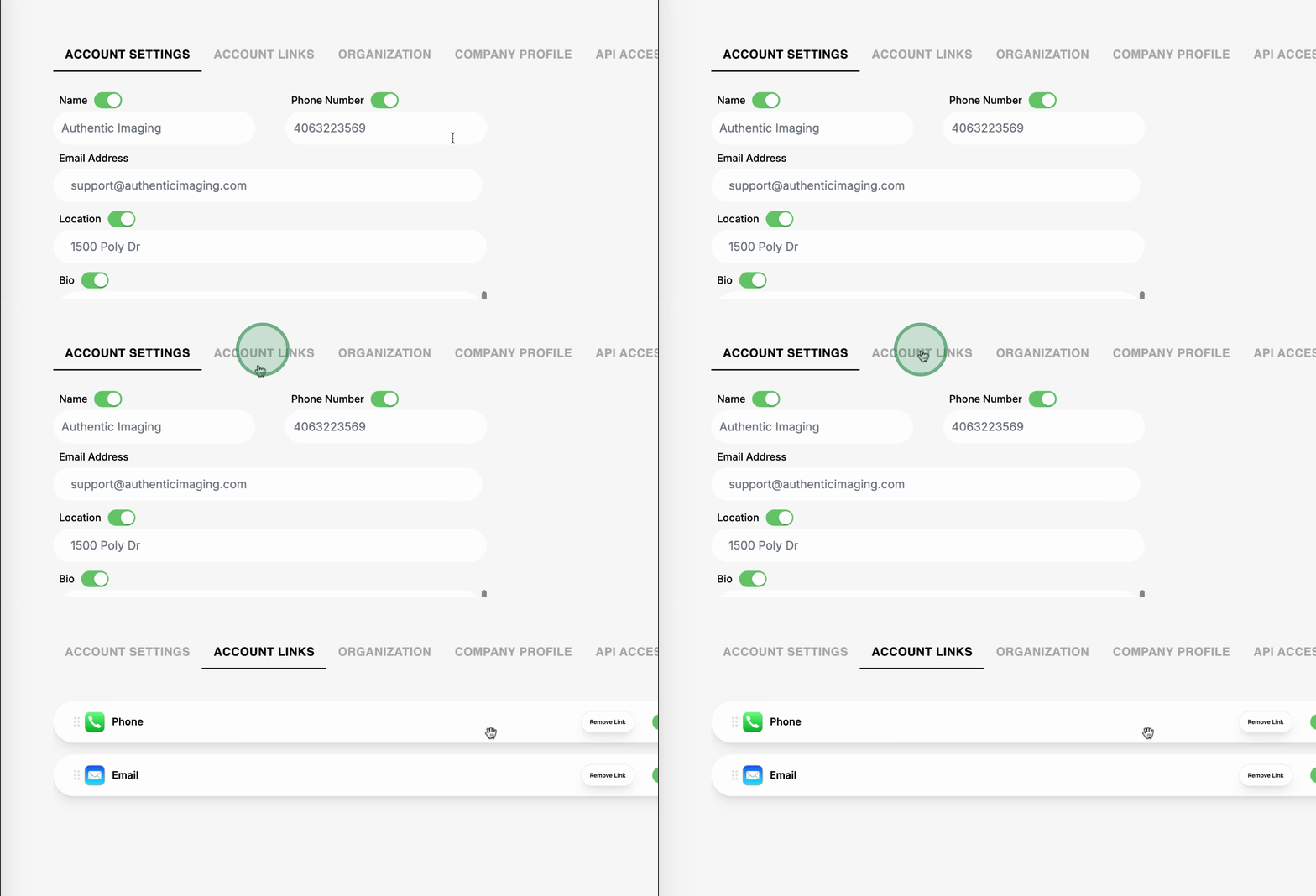
You can update your Email and company profile settings.
Setting up Global Branding Options for all team members is possible.
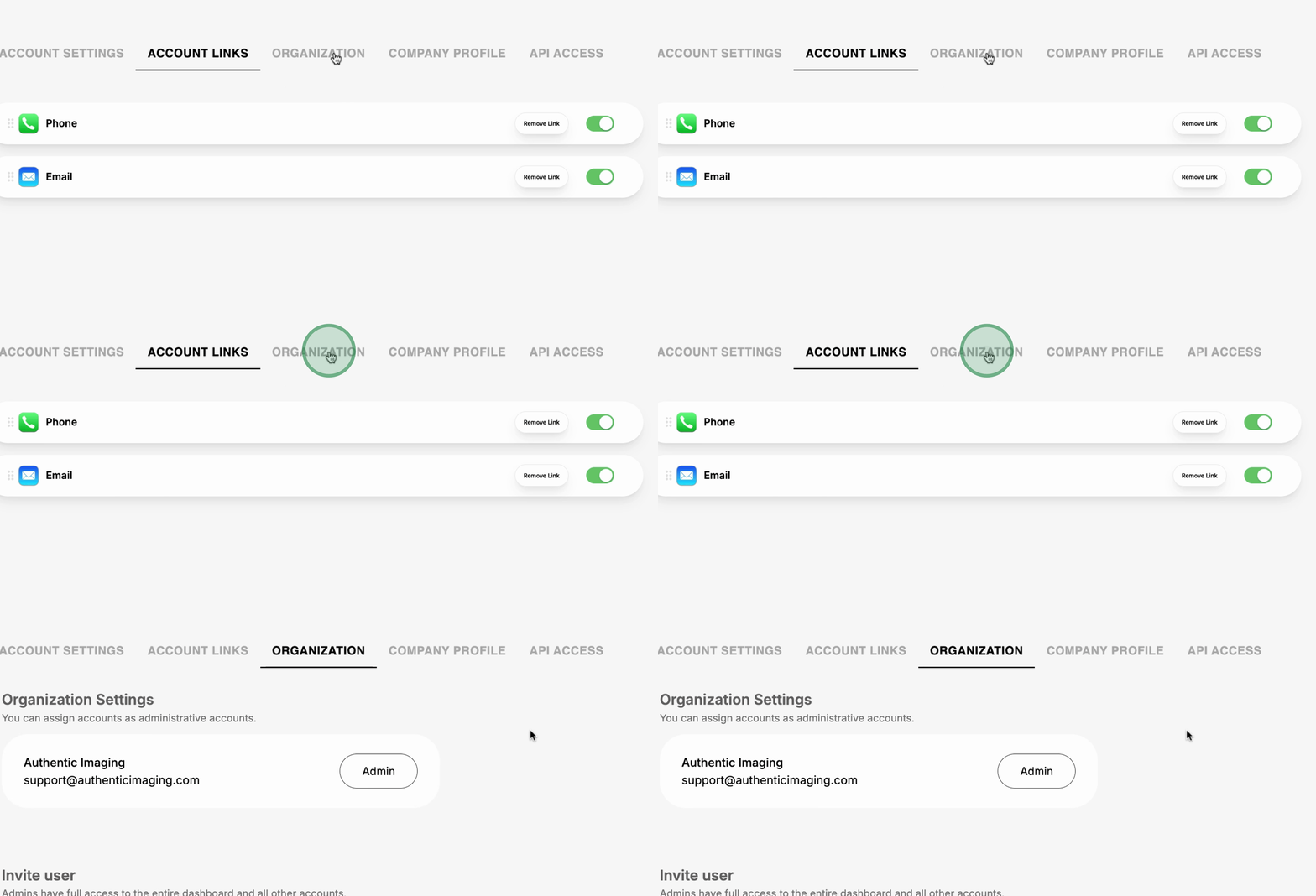
You can add links for your team members to facilitate better connectivity.
Invite team members to be managers of your company account for enhanced management.
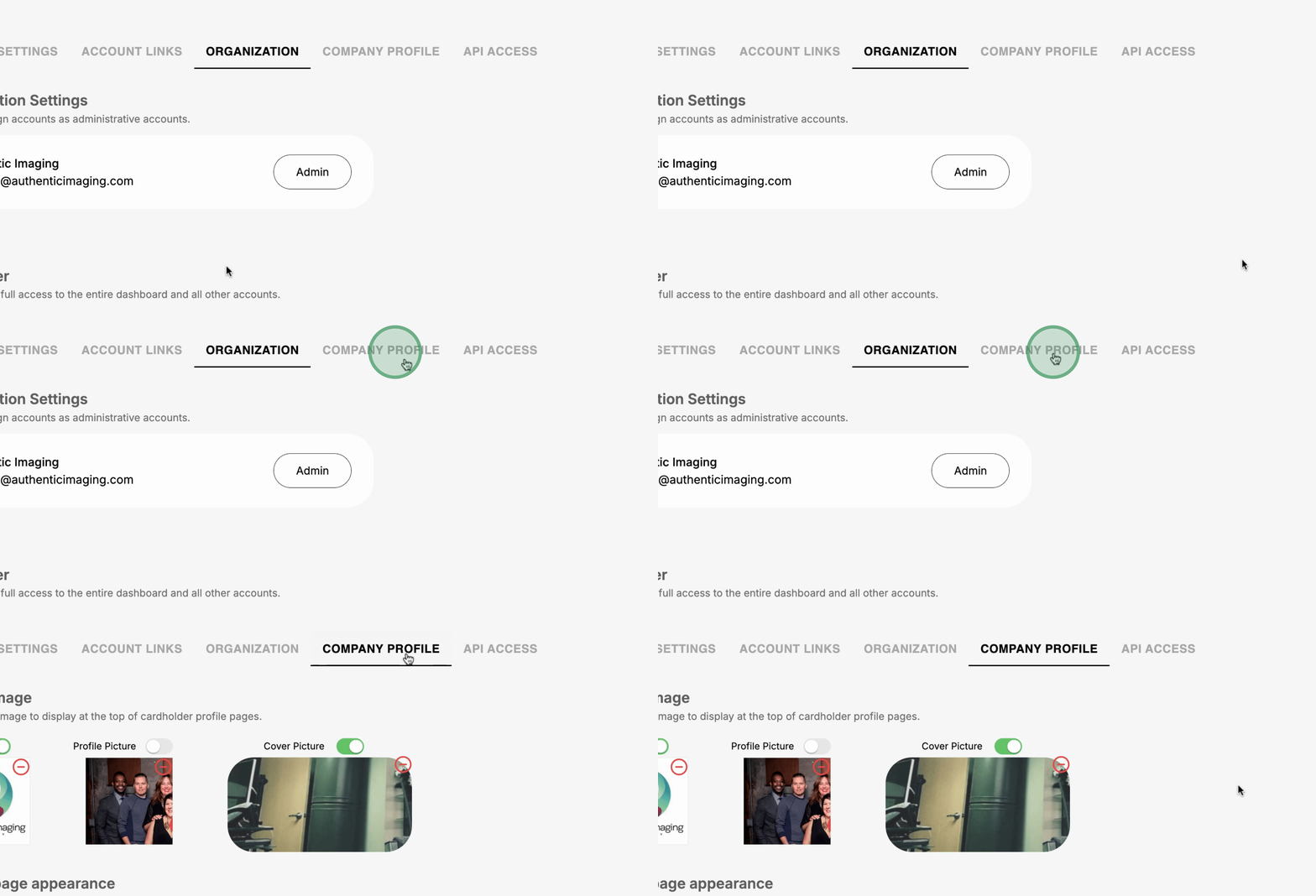
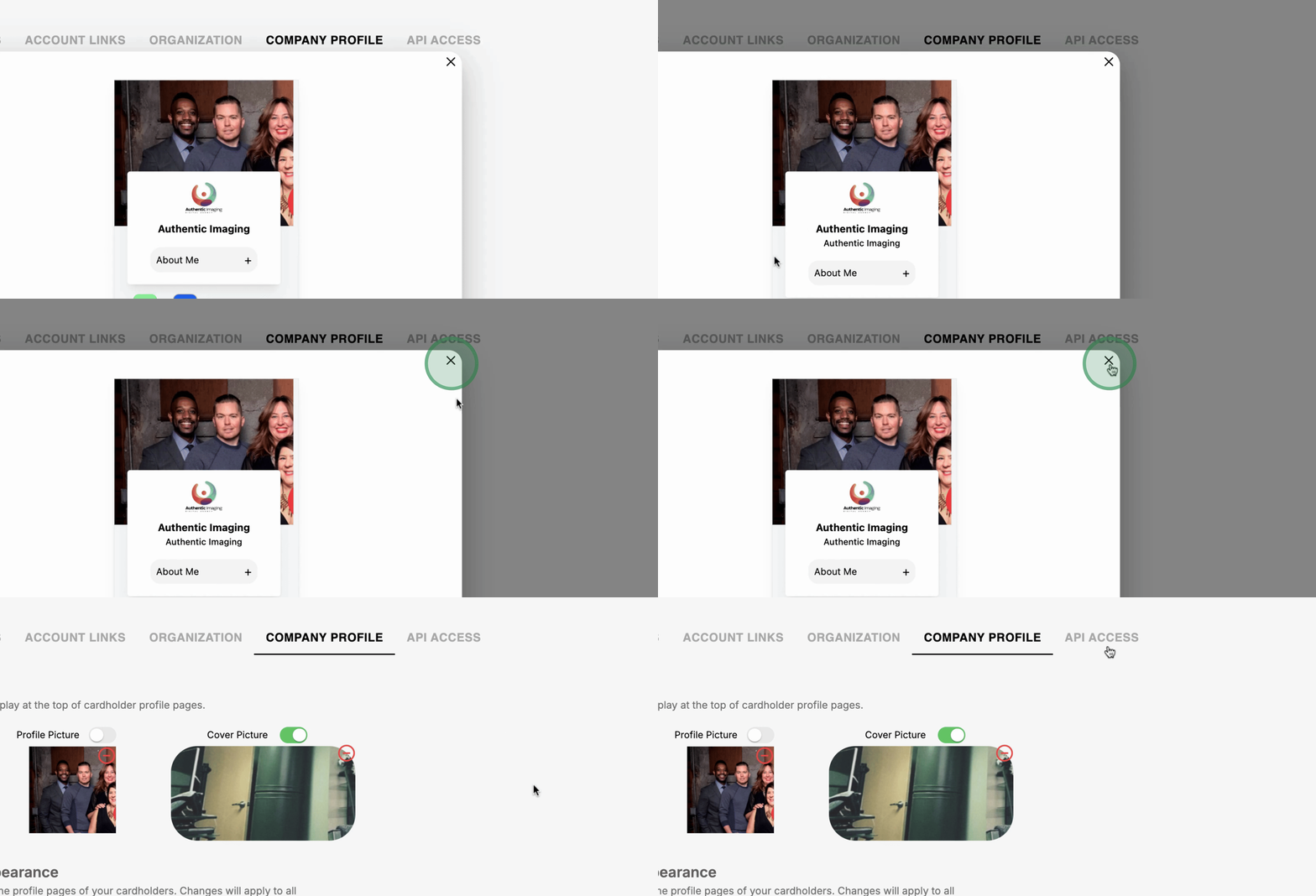
Establish Company Profile Branding through the dashboard.
API access is available to send all incoming leads to any of your CRM.
This overview summarizes the functionalities of the Phontopify Team Dashboard, enabling effective team management and analytics.